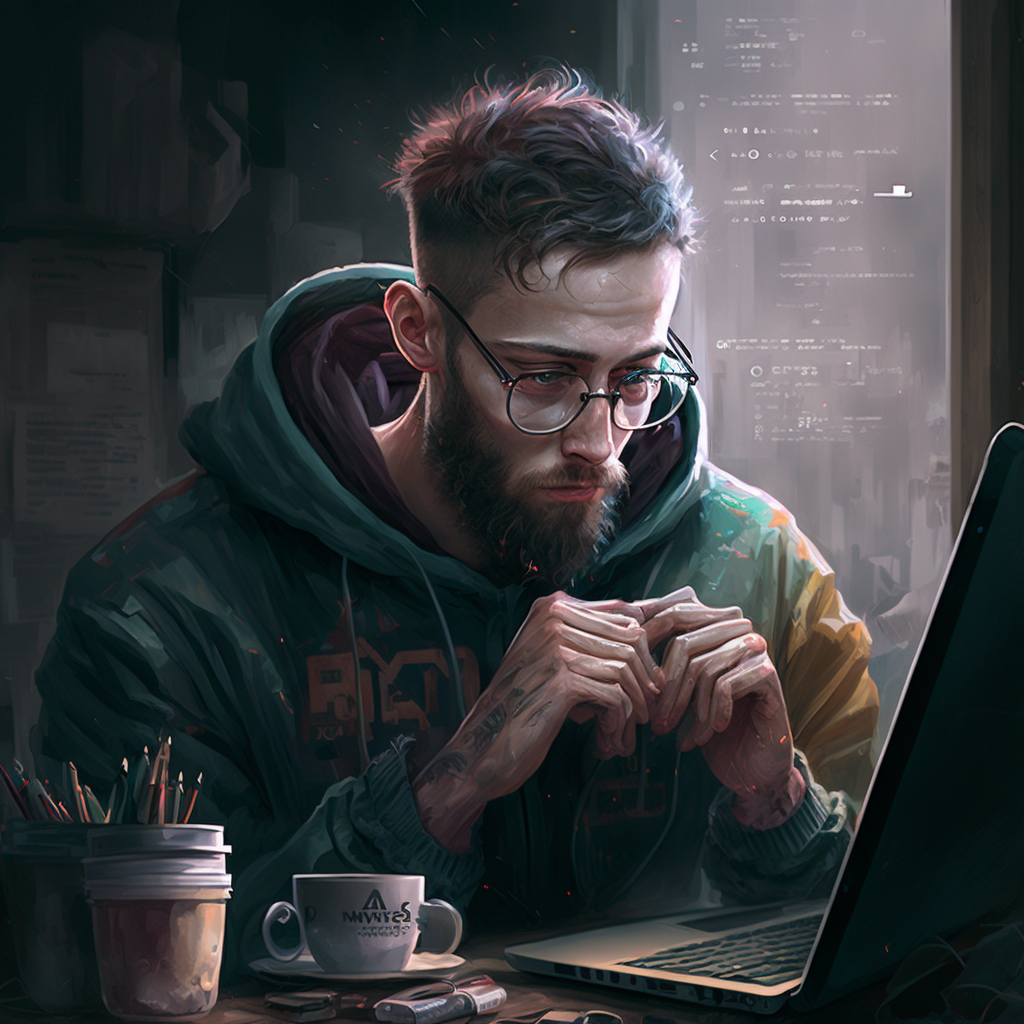

I just recently migrated from Linux Mint to Pop OS, do you have any tips/extensions on what I should do with my desktop?
deleted by creator
Thank you brother
Just curious, why do you have Firefox and Librewolf at the same time? Also what is the black icon with the R?
I use Firefox as my main browser and Librewolf as a second browser
The icon with the R is a FOSS chat app called Revolt
I see. Thank you!
Replace the Pop! Shop with the COSMIC Store.
sudo apt install cosmic-store cosmic-icons
sudo apt remove pop-shop
Pop Shop is kinda slow. COSMIC Store is part of Pop OS’s new COSMIC Desktop Environment (DE). Everything is just a lot faster. It’s an alpha so there are a couple of rough edges, but it’s great overall.
Speaking of, get hyped for COSMIC. It’s a DE written in Rust. It’s not quite as complete as GNOME, but hopefully it will have better performance than the current GNOME mod that forms Pop’s UI.
get hyped for COSMIC
Honestly I’m just excited for a non-gnome DE with an actual company backing it. I can’t wrap my head around gnome’s expectations for how you use it, so the fact that it’s the default on every enterprise-backed Linux project is annoying as heck
Going to try this!! Thanks.
I tested the new Cosmic Desktop Environment on an experimental laptop, and it performs fairly well. I can’t wait to use it on my main machine. I actually already have Cosmic Shop, Pop Shop is far slower than Cosmic Shop, and it wasn’t even created by System. I’ll definitely uninstall Pop Shop.
World domination, and if you can’t achieve that… Well don’t come back:)
Whatever the feck you want to do with your computer. Make it your own, do your stuff you regularly do.
And charge your battery!
What is this “battery” thing you speak of?
Get your keybinds the way you want and learn how to use the tiling extension that comes with pop. I found it super useful when I used to use pop
And then realize that tiling in popos is inferior and start using i3 or sway
I used i3 for a couple of years, but I missed the ease of having a DE that just recognised USB sticks and external hard drives, and all the other little things that you have to set up manually
Endeavour sway edition was great at this.
You should send me that sick ass wallpaper

Try my open source app called Wallpaper, it uses wallhaven images and automatically sets them for you depending on your resolution here is the link: https://github.com/Vitalii-code/Wallpaper
Hmmm
try it
deleted by creator
Finest advice possible for any Linux sysadmin.
top 10 best advice of all time
Start planning what your next OS should be.
Probably Arch Linux
btw
Ah, the luxurious distro-hopping wagon 🤤
I’d suggest to remove it and install Debian Stable as a tactical next move.
I use Debian as a secondary distro, I am definitely not making it my main
Why
Yeah, now go crazy trying shit you probably should not be trying. From my perspective, that’s the best perk of any Linux distro. Evidently, backup first.
Install KDE.
Install steam and whatever gaming things you have and give it a proper spin. I also added some gnome extensions for system usage. Besides that, pop is very simple.
h@cK ThE pL4neT
bro wants me to be on the FBI watchlist
Mess with the best, Die like the rest.
enjoy
That’s really cool! I put my wife on Pop_OS recently and it’s been a little bumpy, but she’s also got a bit of a specialty laptop. Glad it’s been smooth for you :).
I really like your aesthetic, btw, how the wallpaper fits with your launch bar. Really pleasant!
Wish I had some advice for you, but heck, thanks for starting the thread because (after sifting highly opinionated goofposts) I’m learning a lot too. :)
Thank you! It’s okay if you don’t have any advice
Figure out how to do snapshots before doing updates or upgrades.
Timeshift I think? Maybe more available.
Snapper has a hook in apt so that it fires a snapshot whenever you do package things. It must have the same for other packaging systems.
Does anyone know if Timeshift has any use with fedora atomic distros?
github.com/boredsquirrel/awesome-btrfs
I think there are better tools.
Use is only
- For cloning the entire OS to a different drive that is smaller or bigger
- For snapshotting home