It ended up being more powerful than I thought it would be. I thought I’d just be playing some retro 2d games and really old 3d games, but it ended up running some new titles better than expected to be able to play them on the Deck.
Running games at 800p targeting 40fps is a lot more viable than I would have expected just looking at the numbers. It looks great for a display that size and 40fps feels like it’s a lot closer to 60fps than it really is.
I get why people using it as their primary gaming device would want more power but as a secondary device for me it’s stellar.
I think that perceived smoothness from 40 fps comes from the LCD screen they chose, and using a controller. Docking the deck to a monitor and using a mouse makes it much more noticeable; but running games at 720p makes it much easier to hit 60 fps.
The way I see it, is because of the controls. You have a much stronger reaction with a mouse than a joystick. Anytime you play with a mouse, the reaction time is expected to be lower because you I dictate where you want to be looking (like in am fps). The mouse acts as a view positioning device. It is not forgiving. A joystick however is a rotation device. It tells how fast you want to be moving around when looking, not where it should be looking. It is much more forgiving because you only dictate the speed of rotation. If you plugged in a mouse in your deck and played it on the deck you would immediately notice the difference I imagine. I think the trackpads do bring some aspects of the mouse to the deck too in that regard.
But yeah, my takeaway is, with a joystick you don’t need that tight of a latency as with a mouse.


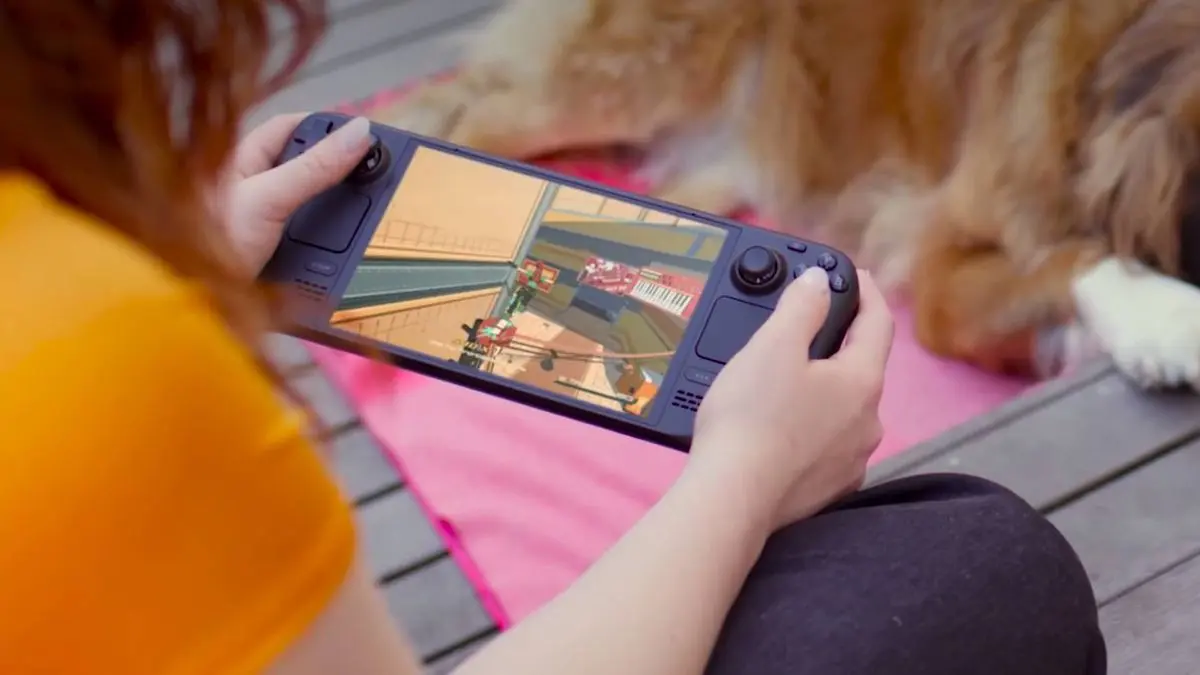
It ended up being more powerful than I thought it would be. I thought I’d just be playing some retro 2d games and really old 3d games, but it ended up running some new titles better than expected to be able to play them on the Deck.
Running games at 800p targeting 40fps is a lot more viable than I would have expected just looking at the numbers. It looks great for a display that size and 40fps feels like it’s a lot closer to 60fps than it really is.
I get why people using it as their primary gaming device would want more power but as a secondary device for me it’s stellar.
I think that perceived smoothness from 40 fps comes from the LCD screen they chose, and using a controller. Docking the deck to a monitor and using a mouse makes it much more noticeable; but running games at 720p makes it much easier to hit 60 fps.
The way I see it, is because of the controls. You have a much stronger reaction with a mouse than a joystick. Anytime you play with a mouse, the reaction time is expected to be lower because you I dictate where you want to be looking (like in am fps). The mouse acts as a view positioning device. It is not forgiving. A joystick however is a rotation device. It tells how fast you want to be moving around when looking, not where it should be looking. It is much more forgiving because you only dictate the speed of rotation. If you plugged in a mouse in your deck and played it on the deck you would immediately notice the difference I imagine. I think the trackpads do bring some aspects of the mouse to the deck too in that regard.
But yeah, my takeaway is, with a joystick you don’t need that tight of a latency as with a mouse.