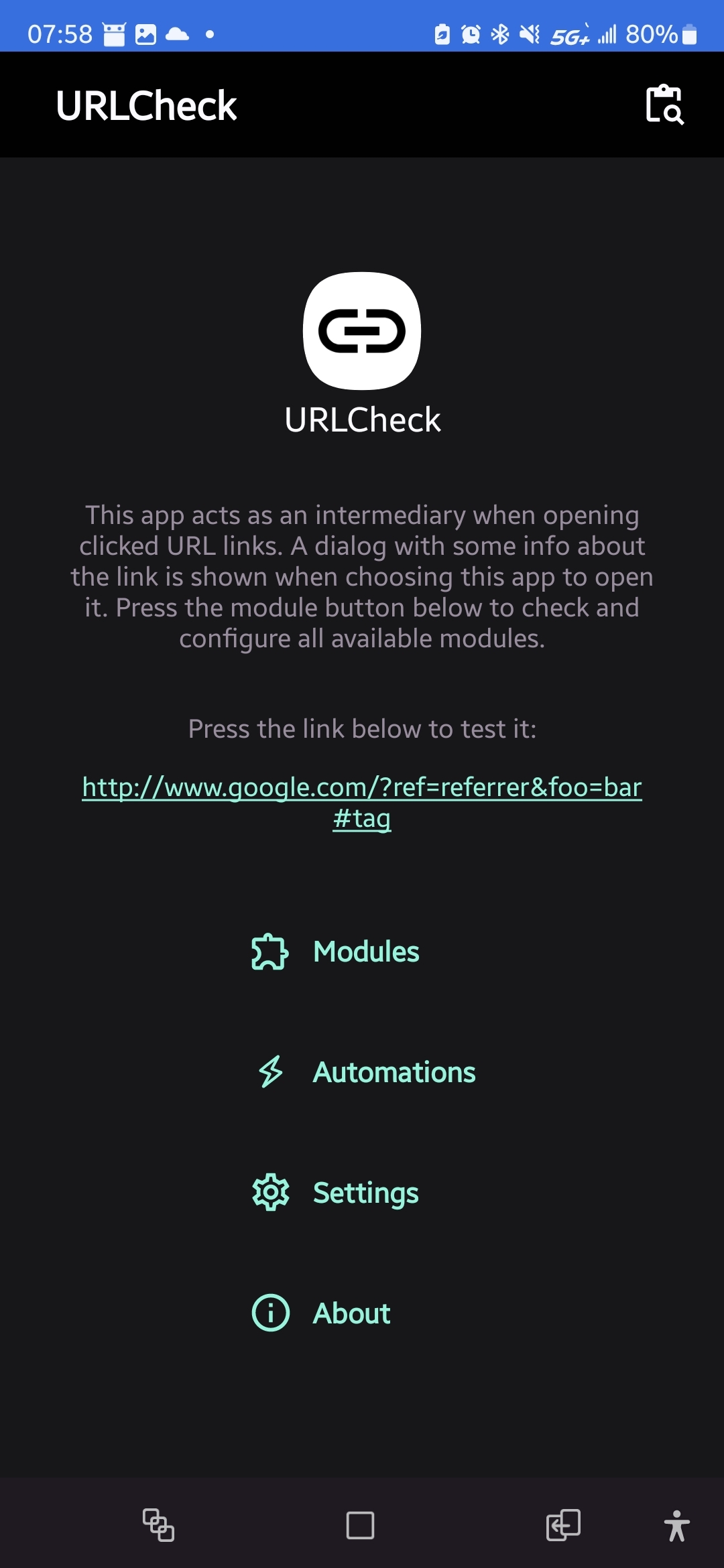
I use an app called URLcheck that I’ve installed via F-Droid. Although it doesn’t appear to give me the ability to skip the bluesky redirect action but at least I know it’s there I guess.
That’s how Google always worked, btw. But there is one obvious benefit to showing the original URL before you click it, you can hover it to see where the link actually leads before they hijack the click.
URL Checker is an awesome that many more should be using if they’re not. It can also remove trackers, redirects and other shenanigans from links before committing to the click
Right? I didn’t even know all of the times I’ve clicked links that had trackers on it before using this app, or to remove amp links and such too. I’m not 100% sure what the “scan” function does however.
Depends on what I’m doing, most of the time it’s Firefox with noscript running, ad block, privacy badger, decentraleyes, etc. but if I need to log into, say like a bank website, I’ll use Samsung Internet. I know it’s underpinnings are chromium, but I dunno, feels better than using straight up chrome I guess.
I mean I could, I’d have to disable noscript for that site, which isn’t hard to do, but since URLcheck just lets me pick which browser I want to use, I’m just being lazy about disabling my Firefox extensions lol



I use an app called URLcheck that I’ve installed via F-Droid. Although it doesn’t appear to give me the ability to skip the bluesky redirect action but at least I know it’s there I guess.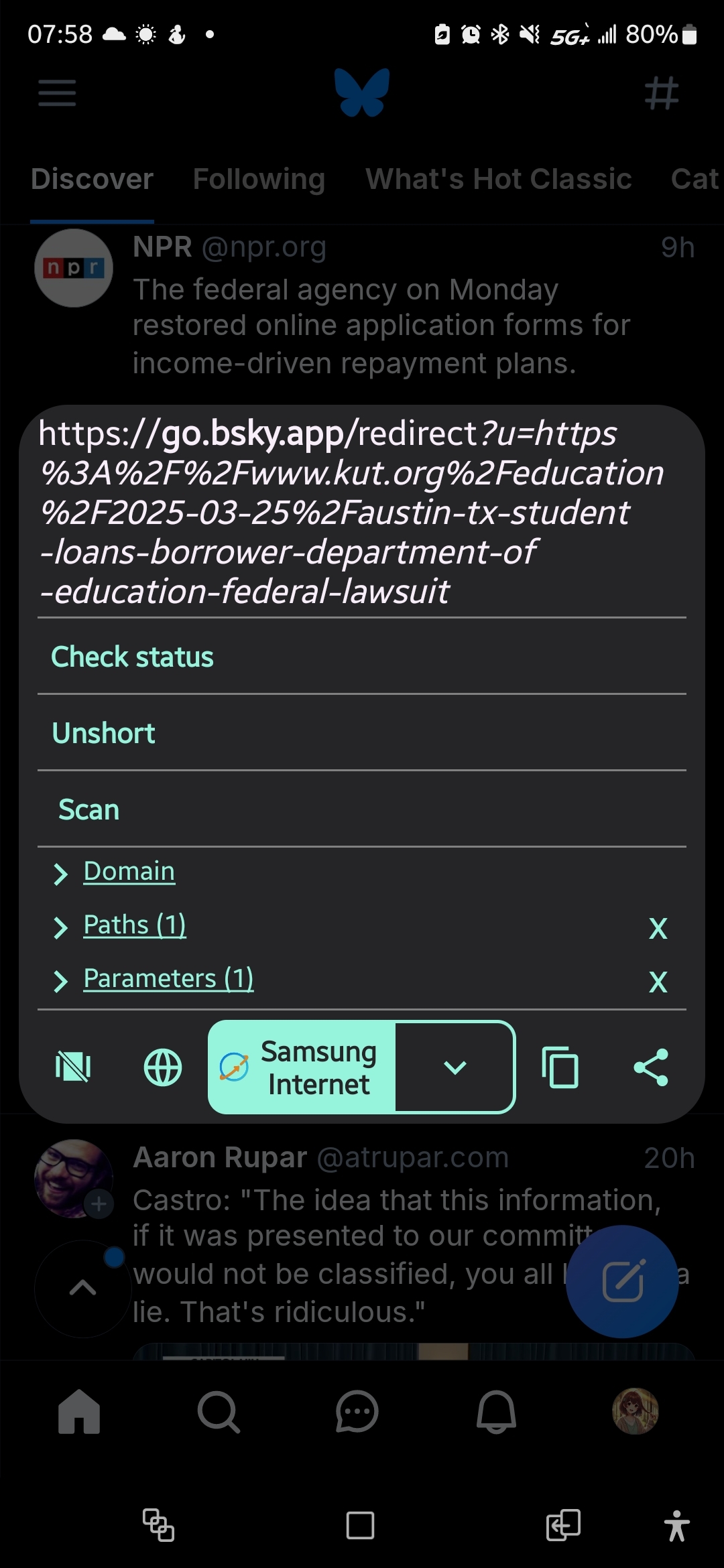
The best part is that if you inspect elements, it still shows as the original link. They only generate the go link after you clicked.
That is so… gross!!! Ugh. Yuck!
That’s how Google always worked, btw. But there is one obvious benefit to showing the original URL before you click it, you can hover it to see where the link actually leads before they hijack the click.
Not always, but for quite a while now
that’s also for accessibility, etc so i wouldn’t pin it all on being malicious
URL Checker is an awesome that many more should be using if they’re not. It can also remove trackers, redirects and other shenanigans from links before committing to the click
Right? I didn’t even know all of the times I’ve clicked links that had trackers on it before using this app, or to remove amp links and such too. I’m not 100% sure what the “scan” function does however.
the scan button is added by the url scanner module. it can do a virustotal check
Ah that’s right, forgot.
You can use pattern checker to automatically replace the URL with the original one.
"bsky": {
    "regex": "https?:\/\/go.bsky.app\/redirect\\?u=(https?.*?)",
    "replacement": "$1",
    "decode": "true",
    "enabled": "true",
    "automatic": "true"
  }
(it’s possible they will add more parameters in future, in which case you may want to restrict the selection to not be essentially anything after
u=)samsung internet? why?
Depends on what I’m doing, most of the time it’s Firefox with noscript running, ad block, privacy badger, decentraleyes, etc. but if I need to log into, say like a bank website, I’ll use Samsung Internet. I know it’s underpinnings are chromium, but I dunno, feels better than using straight up chrome I guess.
why not just use firefox for the bank? is the website broken?
I mean I could, I’d have to disable noscript for that site, which isn’t hard to do, but since URLcheck just lets me pick which browser I want to use, I’m just being lazy about disabling my Firefox extensions lol
followup: here is its docs: https://noscript.net/usage/
Ah neat, thank you!
I think you can add per-site exceptions in noscript, so you don’t need to disable the whole addon