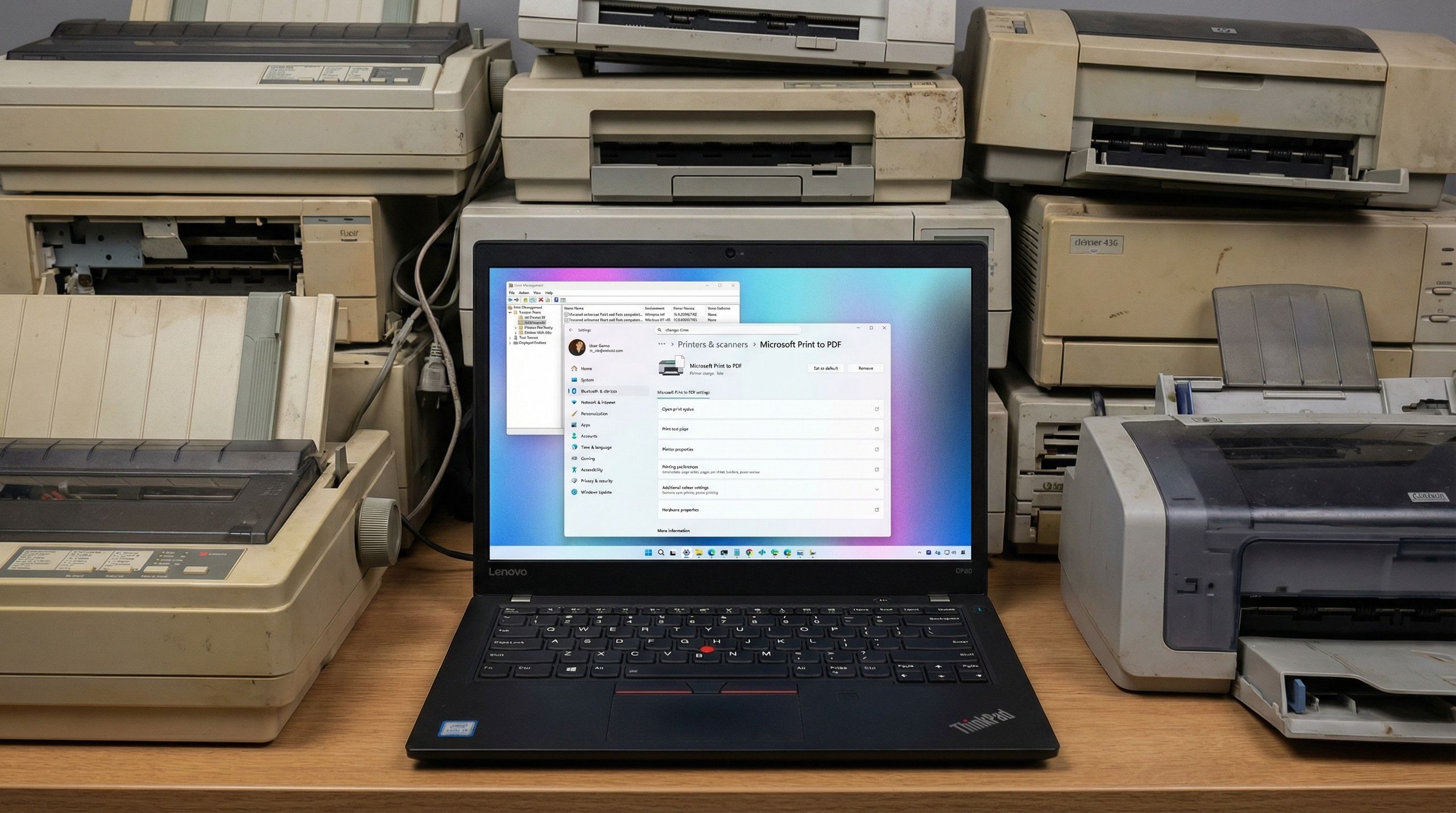
The next system update for Windows 11 could break your printer. Here’s what you need to know.
This is such a gross move from MS, that will inevitably create more e-waste, just like their dumbass TPM 2.0 requirement.
Having said that, if anyone is looking for a solution (that isn’t just switch to Linux lol), I was able to turn my ancient Canon laser (with very tricky driver setup), into a driverless airprint model by using a raspberry pi as an intermediary.
You can connect your usb/wifi printer on the pi, and through cups/ avahi, host an airprint server on your network for any devices (desktop, laptop, phone, or whatever).
I think I used this guide before: https://pimylifeup.com/raspberry-pi-airprint/
isnt just Switch to linux
look inside
SBC running linux

I have an archive of about
110,000110,000 drivers for any ps2 fucken bellend massager ever, and I’ll fucken upload it to archive org so you can use your pin needle screetch feck printer until the cows come home.Edit for visibility: https://archive.org/details/100.000-drivers-win9x-xp-vista
Done and done. https://archive.org/details/100.000-drivers-win9x-xp-vista
I uploaded a pack of about 100,000 legacy drivers to archive.org for y’all’s printing maintenance pleasure: https://archive.org/details/100.000-drivers-win9x-xp-vista
It’s almost like they agressively promote a premium Windows subscription where this bullshit doesn’t happen, but there is none.
I think windows central needs to take a look outside and see where the winds are blowing, the only thing this will shake up is the stability of windows 11 market share. People are already switching away from this toxic dysfunctional OS at a growing rate, either to an older version that still works or to Linux or some other competitor, this is going to accelerate the trend, and for no reason but hubris.
There is no reason to not have backwards compatibility in cases like this. Oh, yes there is. Someone is getting rich from it.
time for printer grannies to become linux
Printer drivers have been deprecated on Linux too. CUPS will eventually drop support for them.
Not 100% on topic but I had a printer that I thought had issues and turns out it has no issues under linux. One of the delightful things I found out by switching.
The posted article is NOT accurate, here’s a clarification - https://www.techradar.com/computing/windows/scared-your-printer-will-stop-working-with-windows-11-dont-be-heres-what-you-need-to-know-about-microsofts-support-plans
The article is clear about that.
In these cases, the company recommends “contact your printer manufacturer and update to a supported printer driver or another current printing solution.”
And that is effectively death for all of them. Most of the old drivers are not distributed by vendors since we are talking about the era when CDs were included in the box. There are archive sites for them, but that is beyond most people technical abilities.
Perhaps but the next Windows 11 update is NOT going to “break your printer”. If you already have a printer setup it will keep working even if its driver is an old V3 / V4.
Most of the old drivers are not distributed by vendors since we are talking about the era when CDs were included in the box.
I dunno about that. I just looked up an HP LaserJet P1015. It was a very inexpensive laser printer released back in 2003, over two decades ago, and it has drivers available for download from HP both Windows and Linux. The P2035 was released in '08 and it has available drivers to download.
Granted that is only two printer models from a singly company but I think you may be overstating the impact of this.
A lot of older printers may also support “Universal” PCL 5 or 6 Drivers from HP / Cannon / Epson etc.
I’ve got HP PSC 1315. When I tried it with Windows 11, it said it couldn’t find drivers, and to use manufacturer’s website.
Le HPInstalling Your Printer Driver Using the Windows Built-in Solution
Install the HP Printer Driver and Software provided within your operating system.As near as I can tell the HP PSC 1315 was released in 2004, over two decades ago. I can see how it’s aggravating for you but there can’t a double handful of those clunkers still working anywhere in the world. There’s no way it could be worth it to HP to rewrite drivers for the 10 or so people still using them.
Switch to Linux. :)
Except that
- The driver disc from archive.org still works just fine
- I do use Linux, and it “just works” there, except for high DPI
So if I want to use high DPI, I need Windows in VirtualBox.
By the way, the high DPI mode takes 20 minutes to print one A4 page. But the result is really damn sharp, almost like a laser printer.
LOL, another reason not to upgrade or to switch to Linux.
Are PCL6 drivers considered “legacy”?
I have a HP Laserjet 4N, a HP LaserJet 4050DTN, and a LaserJet 5000DTN, all of which work swimmingly on standard PCL6 drivers.