Hello everyone, since this is my first post, i hope i am at the right place :D
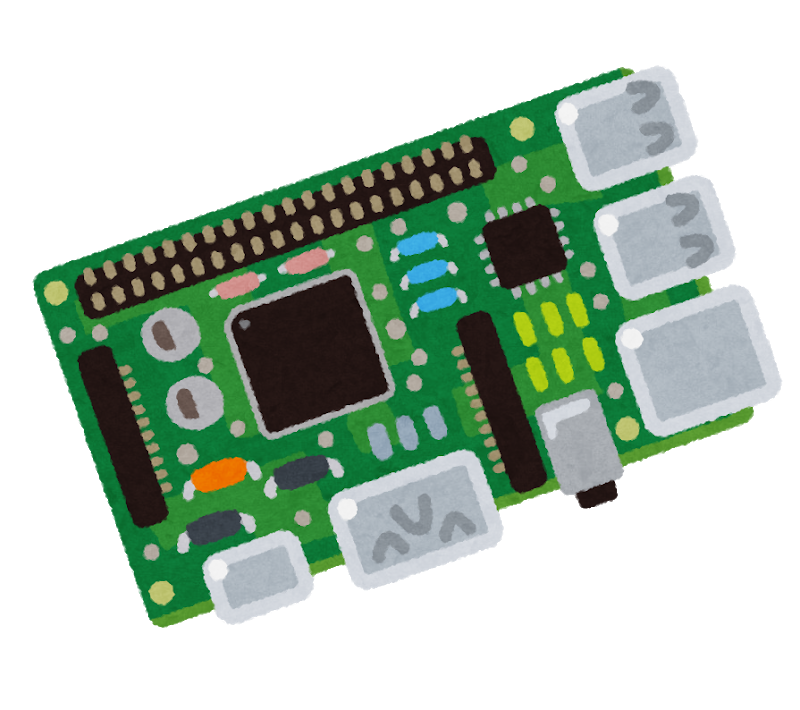
I am hosting a webring for solarpunk websites and wanted to move this from the corporate hoster to the raspberry pi that was collecting dust in my cupboard to hopefully host it on solar in the future.
I installed nginx and put the website there, configured the portforwarding on my router (ports 80 and 443 to 80 and 443 on the pi) and gave it a fixed local IP. I then used ddclient to update the IP of the pi to the dyndns-API of my hoster (which i will keep for the domain for now). It is reachable through HTTP (http://solarpunk-ring.net/) but refuses connection for HTTPS.
The Internet is full of AI-generated tutorials on how to self host and use a DynDNS-service, but i couldn’t find any info on this excact issue.
I assume it is not the DynDNS since that would otherwise also not refer to the correct IP with HTTP without S. Now i don’t know if it is the router or nginx or the pi itself refusing connection. The error log of nginx is empty. Ports are allowed in firewall, i also tried disabling the firewall, same error.
I have no idea what to check next and as i said, the ai-shit i get from my search engine isn’t helping either.
Sorry if this is the wrong place.
Maybe I’m not understanding something, but isn’t this only an issue regarding setting up certs on your server? Https isn’t working because you have no SSL certs installed. Unless that was supposed to happen automatically with one of those other tools?
I’m not that experienced with http(s) hosting, but for the two sites I host, I used Certbot with nginx. It seems the combination of the two does the same thing as caddy which was suggested a few times.
So you could either install certbot and point it to your working nginx http config (then certbot will try to get the ssl certificates and modify the nginx config so it works for https and https connections are preferred) or ditch nginx for caddy.
For what it’s worth I was able to reach it and was redirected to the https connection no problem. Could be an issue reaching it from within your local network rather than a problem with your server setup directly.
I use a proxy server as the main entrypoint to my multiple servers/vms at home and had to mess around with the DNS settings on my router as the automatically generated entries were different than what anyone else would see from outside.
Working for me too.
Update: I am trying to get my hands on the ssl certificate that is assigned to the domain to install it on my new server. Strato makes this really hard by not providing a download for the files i need (would be too easy i guess). Does anyone have an idea how to get them if not from the host themselves?
Your link forwards me to https which works fine.
I tried aswell, also Firefox in Android, and i only get the site via http, not https, though the link does initialy redirect to https, which is intended behaviour if you set up with https i guess… I will habe a think and maybe come up later with something
i redirected the domain to the original hoster for a bit, maybe you tried in that time :D
I suppose you just wanted to avoid purchasing certificates… I do that by using https://try.pitunnel.com/ it works well, free (at least for one instance) and via https
Instead of nginx, you can try Caddy, which is way easier to get started with and rolls HTTPS for you - no actions needed. Nginx is very powerful, but also very “programmer-brained” and at times really confusing. Strictly speaking with Caddy all you’ll need is installing it, opening ports, editing its config to point at a local IP or directory, and you’re done.
https://caddyserver.com/ Read the docs there as well, they are good and understandable. Follow the Caddyfile steps, not JSON.
Nice site! I hope more sites join your webring!