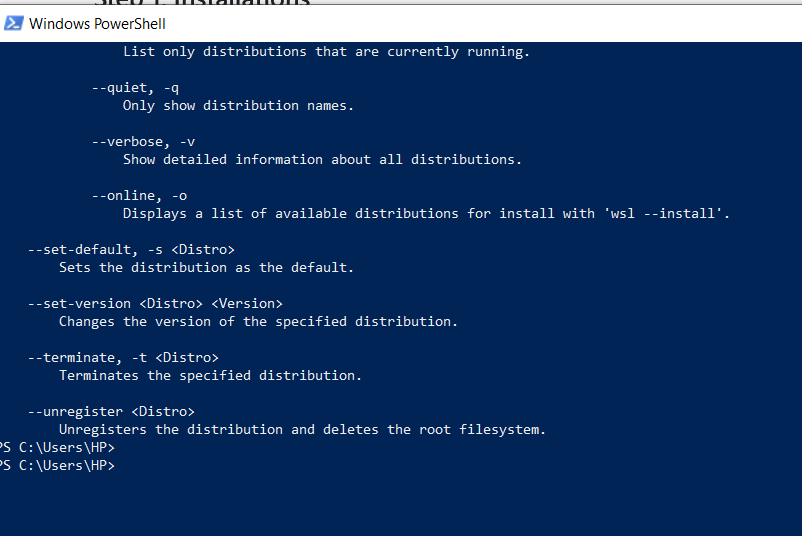

I simply opened the power shell on my windows computer and gave the command wsl --install.
If you want the true linux experiance, boot up a vm with the distro you want to try and go from there. You don’t need the console for much these days if you don’t want to.
It’s probably displaying help output because something went wrong parsing the command. Scroll up to see what it says the problem is. Perhaps you forgot a dash or misspelled “install”?
Good luck with windows closing your WSL session without warning
I god fed up with it eventually
My problem has been solved. Thanks.
deleted by creator
I asked Gemini. Do you suppose it’s worth posting here ??🤨🤨🤨
No.
deleted by creator
After going through my screenshot, Gemini suggested me to download a certain tool from Microsoft and install it, giving me the exact steps to do it. I followed, and then found my newly installed WSL working again.
Guessing you were missing a distro. You basically installed the WSL framework but need to install a distro after that.
Wsl is independent of distro.
If you download Ubuntu from the App Store it should set everything up for you without needing to do anything.
TBH, l don’t like ubuntu.
Removed by mod