I’m at true neutral.
Chaotic good here. They have different DPI too so you’re never quite sure where your mouse is going to end up.
OK, calm down Satan…
I spend hours aligning their bottoms and virtual position so now my three screens transfer the mouse exactly in their vertical middle.
I also use a tiling WM with tons of workspaces and if I switch workspaces my mouse gets reseted into the middle of the workspace anyway.
I switched to Wayland and it makes a huge difference. Pulling a window over to my higher dpi monitor makes it go … clearer. It looks just like how you’d want it to look.
I like it so much I refuse to accept my status as chaotic good and want an exception for chaotic good wayland users with correct dpi compensation to be categorized as chaotic neutrals and lawfuls
You can use a software called LittleBigMouse to make this better. It’s really nice in my experience with 2 1080p screens and one 4k. All roughly the same size
Removed by mod
where does diagonal fall?
This is horrendous. I love it
Hell, probably.
I feel like all in the chaotic column should have at least one diagonal monitor.
What about this?
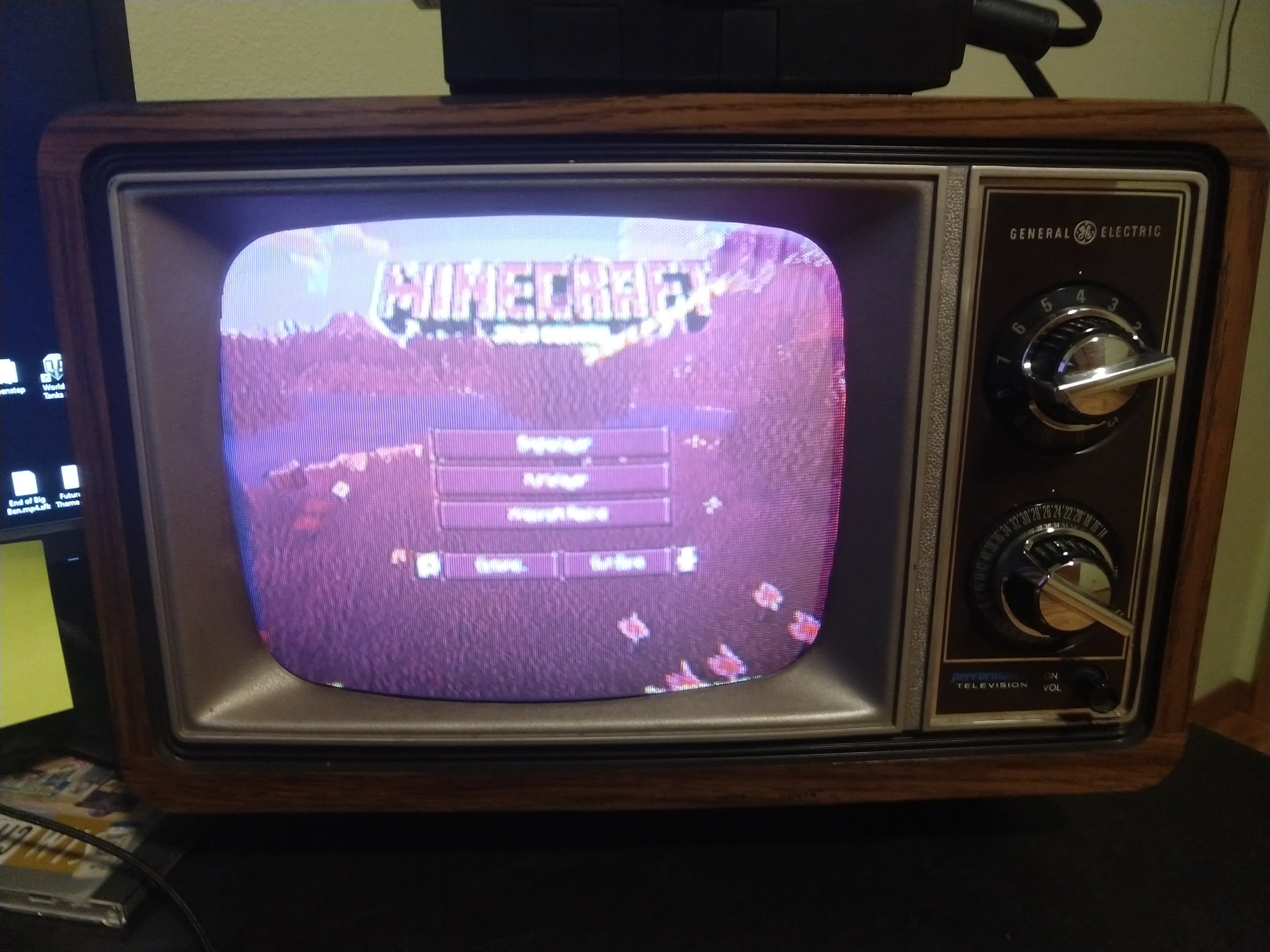
Imagine having to manually adjust your tiny. NTSC, man. Literally shaking in my SMH.
This message brought to you by PAL gang and team SECAM.
The SCART squad of the PAL posse.
deleted by creator
deleted by creator
Does it have Ray Tracing?
Chaotic evil here. No regrets.
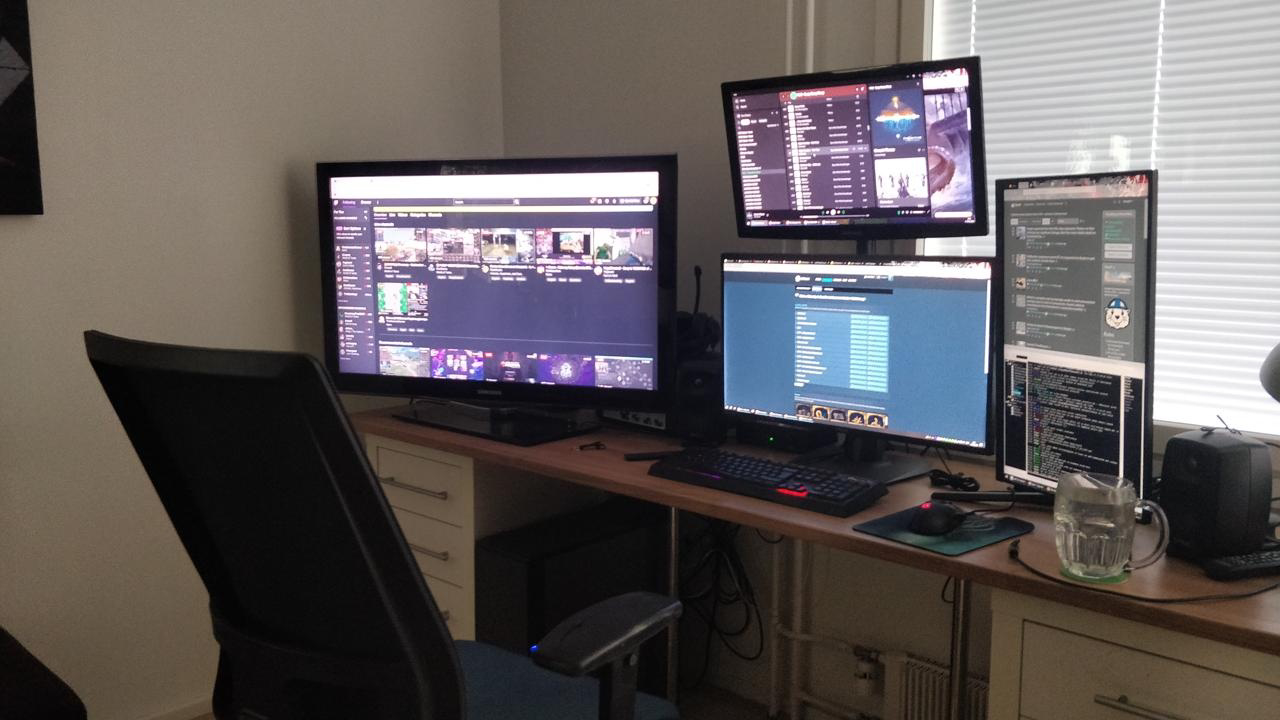
Stock exchange broker’s home setup.
So jealous of the foot heater.
“Chaotic Good”
aka “I got this monitor for free from someone else”
I feel attacked, the pc came with a 4:3 monitor for you information… the bigger one was a the gift
Tbf, I say that as someone that lived the Chaotic Good monitor life for like, a decade with a monitor my family was throwing away.
I bought both of mine. For next to nothing from a charity shop. Also they’re TVs.
Am I the only chaotic neutral here? I code on the right and do everything else on the left.
Fellow chaotic neutral here, basically same here. code on vertical screen + some articles for easier reading and everything else on the main screen
I’m sort of that. I’ve got two landscape and one portrait monitor, the portrait one is good for browsing websites like this one where there’s a lot of vertical text. I actually find myself preferring the landscape ones for coding since my IDE has a lot of stuff in sidebars and also some of the lines of text are very long.
Don’t take the chart seriously. Pretty much all of these setups are good for their uses and are done by someobdy, even certain forms of “chaotic evil”.
There are dozens of us!
I’m chaotic neutral too but I don’t code on the diagonal monitor. I only have it diagonal because my neck hurts looking at the side screen if I have them both horizontal lol
I am technically, but I almost never turn on my second (vertical) monitor. Usually when I have my main set to a different source and I want something from my desktop PC on the other monitor.
what about having a tv across the room as a second monitor?
Ummmm… how about 2 vertical monitors above each other?
That’s how I got this long ass screenshot, for example:

I don’t know how else to do that, so I fixed it with hardware ʘ‿ʘBut otherwise, true neutral.
You can tell xrandr anything, it doesn’t have to be physically connected. So you could get 3960x1080 virtual screen space for a single vertical HD screen. If you move your mouse to the edge of the screen it will scroll what is visible. I discovered it in my triple monitor setup. I turn off screens I don’t need (they waste like 30W!), but the script I wrote to notify X11 of these changes doesn’t work as reliably as I would like, lol. Also duplicate polybar sometimes, haha.
Not sure how useful this is, because while the application thinks it has all this screen space available you can’t actually see all of it at once.
Lawful Good
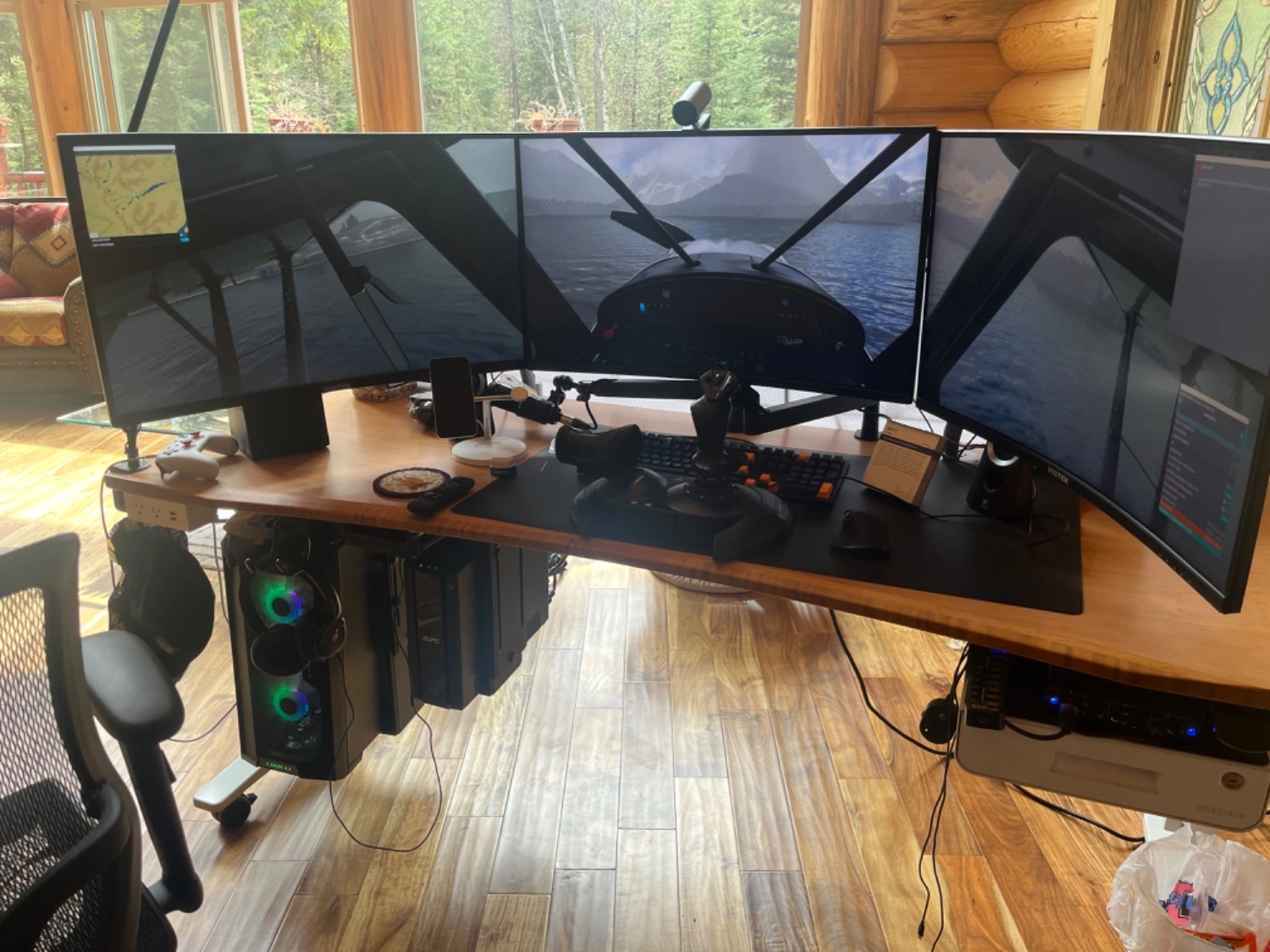 . Flight Simulator in 3x 32” 4k
Glad to see another hanging PC!
It was the only way I could get my monitors connected to my standing desk. Now I only need to figure out if subjecting hard drives to motor vibrations is risky, or if they can handle a bit of shaking when switching between sitting and standing.
Yeah man! I have a wifi receiver/repeater, UPS, audio mic amplifier, and the PC mounted under. I move every 6 months and this lets me simplify having a workspace. I like being able to wheel the desk around.
Tilted 22 degree to maximize the potential line length that can be displayed.
https://gigazine.net/gsc_news/en/20211203-ideal-monitor-rotation-for-programmers/
How about only a laptop monitor?
And what about using a 65" 4K TV to replace four 32" 1080p monitors? Where do I fall on this chart?
Yeah, it’s missing: [Laptop] [Monitor 1] [Monitor 2]
or the Chaotic version: [Monitor 1] [Laptop] [Monitor 2]
My work setup is [Monitor 1] [Laptop] [Vertical monitor 2]
What about using Android Tab or Phones as second monitor?
So Chaotic Evil just gets way more screen real estate than everybody else?
With great screen estate comes great window management…
No, with tiling window managers comes great window management!
What about those who eschew multi monitor setups in favour of an ultrawide?
basically neutral good without bezels
And what about the ones who just use a 50” TV
I’m Chaotic Neutral (although my vertical monitor is on the left). It was an experiment that stuck because I like being able to read more lines of code at once.