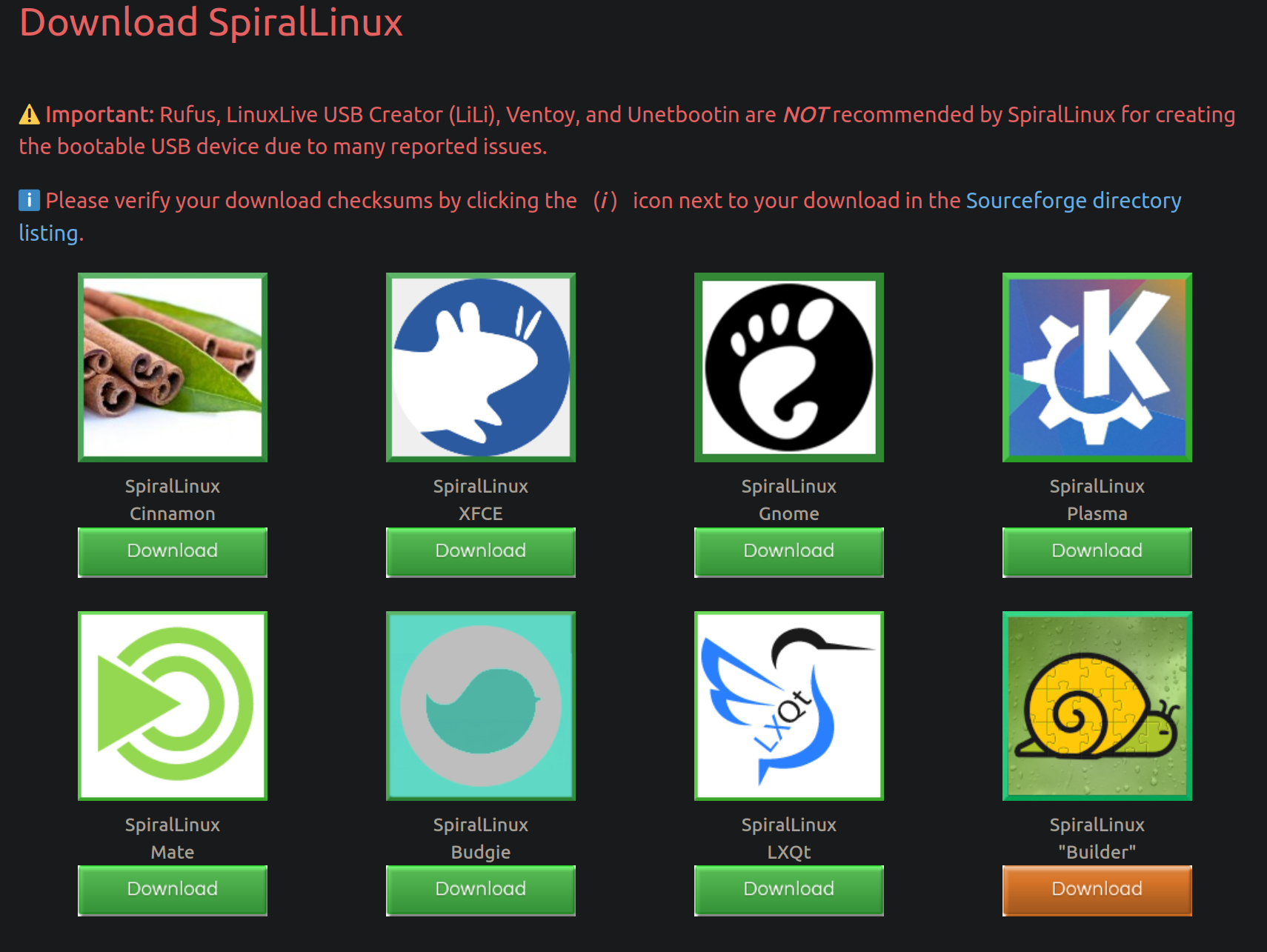
I recently ran across SpiralLinux - GitHub page, and found the concept of how the maintainer is packaging it very cool.
The maintainer has been maintaining Gecko Linux for a while now - it has the same underlying concept.
The gist is - you’re basically installing Debian, but with customizations that the maintainer(s) thought would be very helpful. Basically - better out of the box experience for new users, but also less work to do even for experienced users, and it comes with different download flavors - Gnome, Plasma, XFCE, Mate, etc.
Bit more detail by the maintainer in this Reddit comment:
Exactly. It’s like I went over to your house and installed and configured Debian on your computer, and then you kicked me out of your house as soon as I finished. ;-) The installed system no longer has any connection whatsoever with me or the SpiralLinux project, which is good because you wouldn’t want your entire system to depend on a random single developer maintaining it.
(original Reddit comment has more details).
I thought this was pretty cool. I’m still trying to read up online on trying to find how the package lists are maintained, etc., and I might be interested in contributing if I’m able to in the future.
Just wanted to share!
Cool concept. I really appreciate the “independence” from the project after the installation. It would be cool, if the author preconfigured some less common DE/WM alongside the ones they package now. I yearn for a distro with a preconfigured tiling WM, so I wouldn’t have to use my half broken i3wm setup.
SwayOS might be worth looking at. It is basically just an installation script for a pre-configured Sway setup.
Some things are pulled from GitHub, so it is probably a good idea to look into the packages it is downloading.
8 DEs aren’t enough for you?
Also pop os has a preconfigured tiling window manager called pop shell
8 DEs aren’t enough for you?
They are, but a man can dream. And thanks for the tip!
OpenSUSEway is pattern you can install in opensuse which install an opensuse themed sway/waybar/wofi/greetd and a notification center i cant recall its name. It is what I use on Opensuse Slowroll for a less agressive rolling release.
So like most Arch-based distros but Debian?
That’s not right. Debian/suse are no less out of the box user friendly than Arch - not counting endeavouros/Manjaro, they’re more friendly.
Arch still needs extra setup and configuration after install. Endeavouros makes it a bit simpler, but there’s still configuration (and ricing) invoice. Auto-discovery of printers (cups, avahi), graphical configuration tools out of the box, user permissions/group membership setup out of the box in a way that new users (or even power users) can just set things up graphically… all of that needs extra work.
That’s the extra configuration that this is providing.
I was saying that there are many Arch-based distros that are essentially Arch (down to the repos sometimes), but with a (graphical) installer and rice, and that Spiral Linux seems like exactly that but replace Arch with Debian.
I see, you’re right from that perspective.
For this ‘distro’, I like the emphasis the maintainer put on out of the box usability, including proprietary codecs, extra repositories that are not enabled/added by default, but widely used, flatpak setup out of the box, printer permissions relaxing etc.
So like most Arch-based distros but Debian?
Hi there, SpiralLinux creator here. I would say that compared to most derivative distros, no, SpiralLinux isn’t quite the same thing. Most of those derivatives also maintain some of their own package repositories, whereas I strictly avoid that with SpiralLinux to avoid users’ systems depending on me for maintenance and updates and continuity of the system.
deleted by creator
deleted by creator
No aarch64 support?
you wouldn’t want your entire system to depend on a random single developer maintaining it.
Running Nobara and I am new to desktop linux. Am I okay? Should I make a change?
You’re fine.
Most distributions/derivative distributions are fine for very long periods.
It’s just that when the base distribution itself (Debian, Fedora in your case, Opensuse, etc) are themselves nicely customized out of the box to address user concerns, that’s a very attractive prospect to long time users like myself.
Debian has a lot of history and stability, so if I can use it for myself, family, friends without an additional layer or more of other parties, that’s very appealing.
Hi everyone, SpiralLinux creator here. Another thing that motivated the creation of this set of spins is the diversity of hardware, even in my own machines. I personally don’t like having to switch to a completely different distro for a specific computer just because of hardware support issues. Some devices might need a newer kernel for certain components to work, whereas other hardware works better with the older kernel from Debian Stable. So SpiralLinux offers a hybrid approach, Debian Stable base system with the Debian Stable kernel included on the live ISO, but the much newer kernel version from Debian Backports is also available on the ISO. This can make the difference between the image booting or not, or between having internet connectivity or not, and it makes it more likely that SpiralLinux will work across the entire range of a user’s computers.