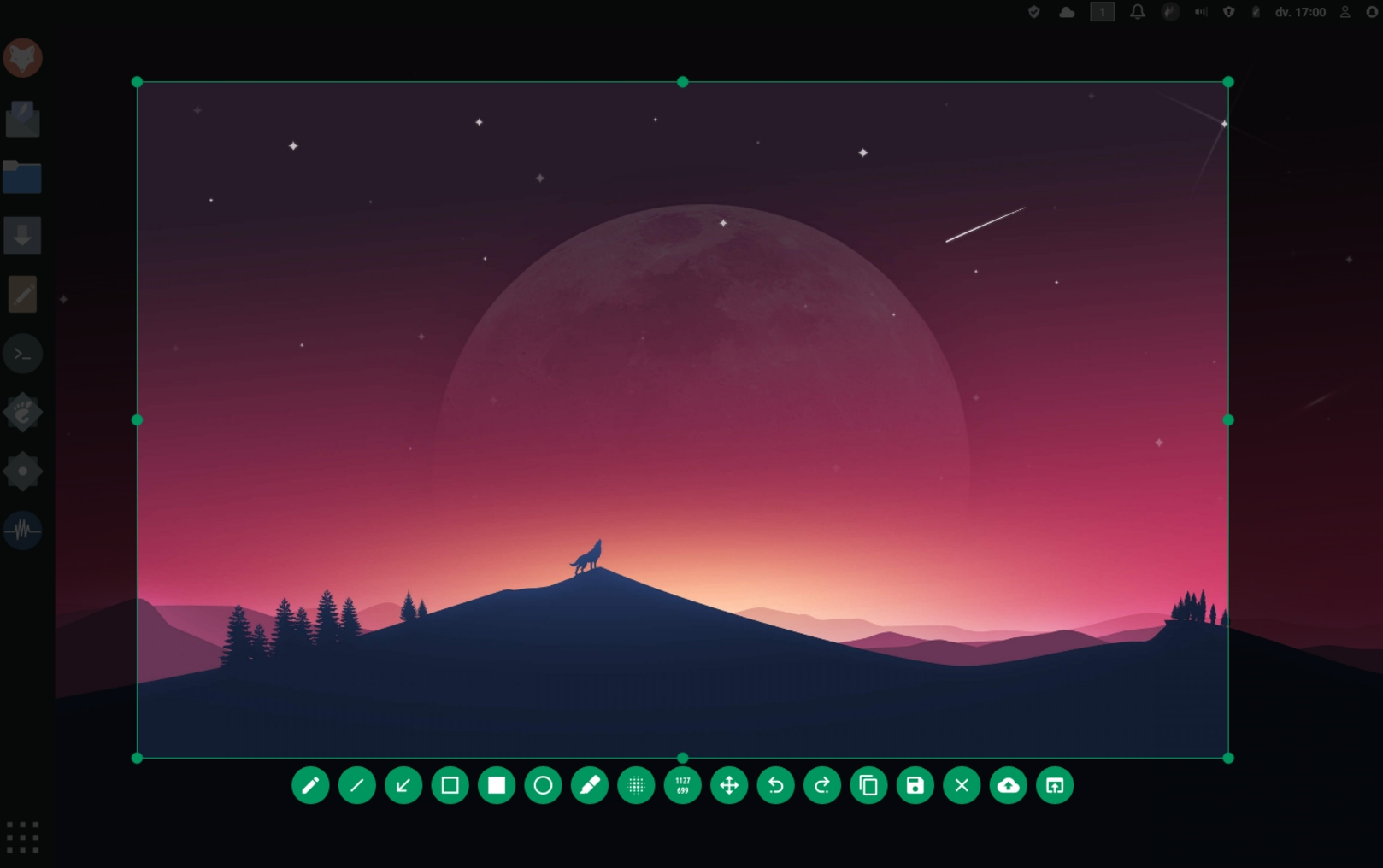
Features:
- Highly customizable
- In-app screenshot editing
- Upload to online platforms
- Command-line interface (CLI)
Platforms:
- Linux
- Windows
- MacOS
Link: flameshot.org.
Flameshot is great, I use it every day at work and home. The integrated editing/annoation/drawing functions are superb.
Same, it is super super useful
i use this at work, and its great. Only downside is, that the buttons are hard to identify and move depending on the size of the screenshot, so you always have to search for the function you need.
Does anyone have a workaround for this?
For the longest time I used
gnome-screenshotvia shortcuts that execute terminal commands. Nowadays, I use my dedicated print screen button (that probably just executes similar commands and uses gnome-screenshot on the background).No! This has been bugging me for quite some time as well. Other than that, it’s excellent software.
I’ve learned the keyboard shortcuts that matter to me, but I agree I wish it was a consistent horizontal bar.
It’s a shame this doesn’t work nicely with multiple displays, it always picks the monitor I don’t have the window on I want to capture.
For me it captures all the screens and let’s me pick the region, even when crossing over two screens.
Which OS are you using? And if Linux, are you running Wayland or X?
I’m on Linux, with Wayland
You might need some workarounds for it to work. I’m using Sway as my window manager, where the missing piece war the “for_window” bit on this page.
https://github.com/flameshot-org/flameshot/blob/master/docs/Sway and wlroots support.md
Depending on your desktop environment/window manager, you might need some different workarounds.
I use greenshot at work, and have been looking for something for my Linux box. I’ll give this a shot. Thanks for sharing.
For Windows, I recommend ShareX. It feels more modern than Greenshot, has more features and is more customizable. And it’s open-source: https://github.com/ShareX/ShareX
I’ve been using lightshot for years and love it, might have to try others out just to see what else is out there
Edit: Been using ShareX for a little bit today, and yes. it is superior to lightshot
There’s also an app called Shutter that works quite well
I second Shutter on Linux, too.
On Mac, with multiple displays, it seems to be broken. Sometimes it targets the wrong display, and mixes the resolutions. Have tried for a while because it seems perfect on Linux.
Will try again in a while
For me it gets a bit confused if I add or remove the external screens.
Usually it is fixed if I quit and restart flameshot
For Mac, I just use the built-in shortcut. Command+shift+4
I just got a Mac. Thanks. I gotta figure out how to turn that into command shift s now lol
Settings -> keyboard -> keyboard shortcuts -> screenshots
(Translated from a different language, so the wording might be a bit different)
If you’re on Mac there is no reason to use this instead of the brilliant Shottr app.
I’m currently using shottr, but without those bugs I would still use flameshot. Might be due to familiarity, but I liked it more.
Also, if I can I rather use FOSS.
Use Flameshot every day. Love it.
Two tips for users:
-
Check out this page for info on customizing the key bindings you use within the app to suit your needs: https://flameshot.org/docs/guide/key-bindings/
-
Same page has instructions for choosing which key-combo should bring up the GUI. I’m on Ubuntu and had to do special steps to make it work with the PrintScr key but it’s so easy to use now!
Flameshot was great, but for me, no window select (on Win) and no plan to implement is a deal breaker, thoughi understandthe reasons.
Also breaks when moving between docks - has to be restarted, and pinned images go under the screen, if pinned at the bottom (they always shift down).
While I like the UI, it makes it awkward to quickly find the icon needed on small crops, since they keep shifting around.Yah, on Windows I prefer Greenshot (greenshot.org). It’s free, open-source and is so easy to use, I frequently forget it’s running in the background.
-
deleted by creator
It’s all the green
Of which you can choose the colour yourself
Green is the default
Really? Mine is blue
Mine is purple
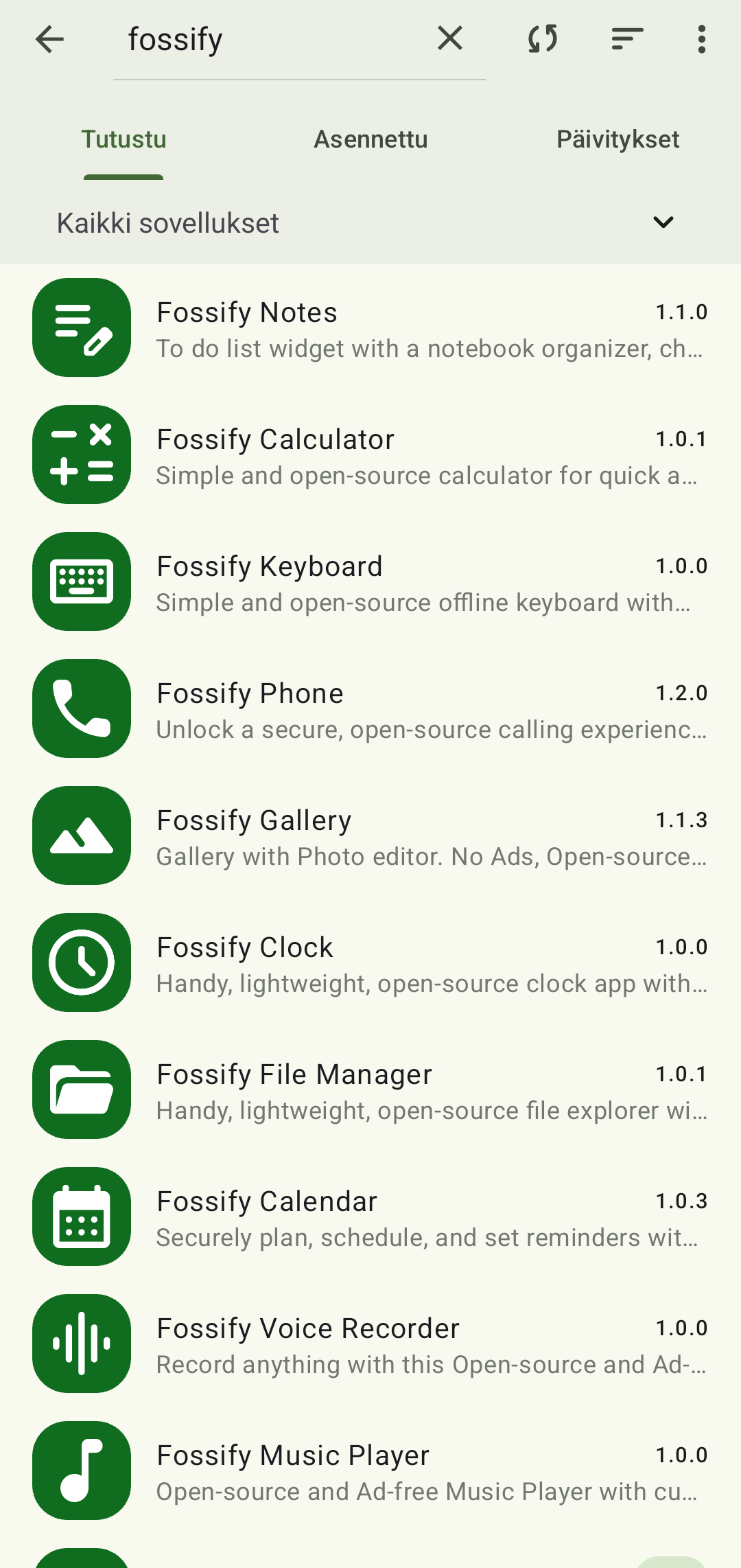
I was talking about Fossify apps
deleted by creator
FlowLauncher looks neat, like KRunner for Windows. Thanks for sharing
Any reason to use Flow Launcher over Power toys Run?
deleted by creator
I’ve never been able to get this to work in a stock debain 12 / gnome environment.
deleted by creator
deleted by creator
How did you change the color? IIRC it’s purple by default
It’s the first thing you see when you open the configuration window: Interface > UI Color Editor > Main Color
Thanks buddy
Anyone know a screenshot tool that can do this effect easily and directly? I tried out a lot of tools and I’m unable to find any. Currently I’m using either Inkscape or Illustrator to get this effect. This is really good effect to prepare documentations.