
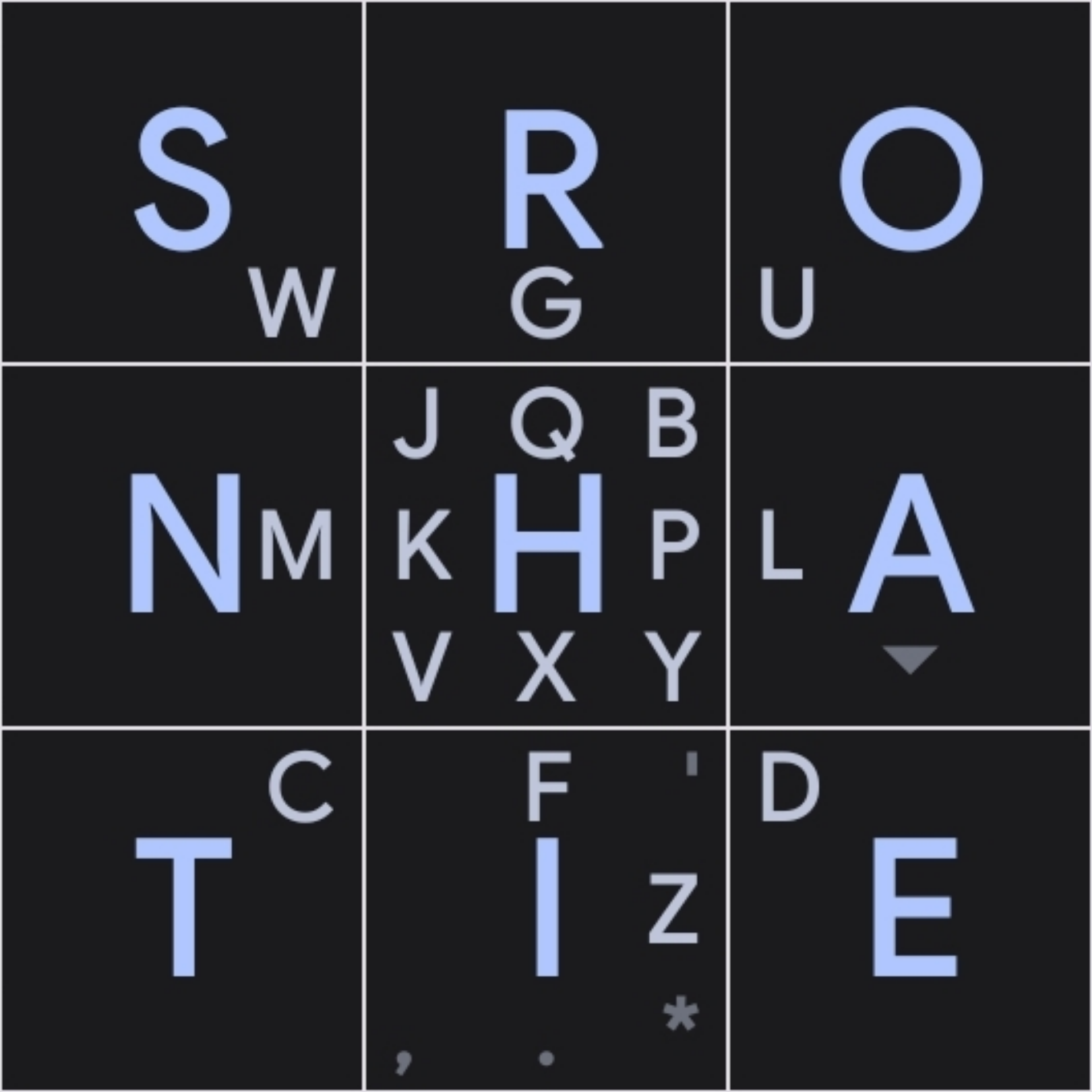
Letters are invisible for me. Numbers show as normal. Tried changing theme and color, clearing cache, restarting app and phone.
Android 15
Fairphone 6 with e/Os 4.0-a15-20260610633983-official-FP6
In the app settings “look and feel” menu “hide letters” is the 5th setting from the top
Awesome, that did the trick. A bit wild that it apperently got turned on randomly, but good to know it’s such an easy fix. Thanks for helping.
Thank you! I just popped onto lemmy to see if anyone else had this “issue that actually isn’t an issue”! :)
While fiddling and typing this reply I just found if I pull up-left from the emoji it toggles the setting, so I’m pleased to know it was my silly thumb rather than a glitch :)
Kind of want to leave it on now, and continue my quest to have the most baffling keyboard setup.
Thanks again! :)

