


Had to evict a big ass spider from my room today and was reminded of this meme template. At least it’s easier to evict spiders than cats, the latter don’t fit in measuring cups.
Had to evict a big ass spider from my room today and was reminded of this meme template. At least it’s easier to evict spiders than cats, the latter don’t fit in measuring cups.
One of my favs pest eradicators:
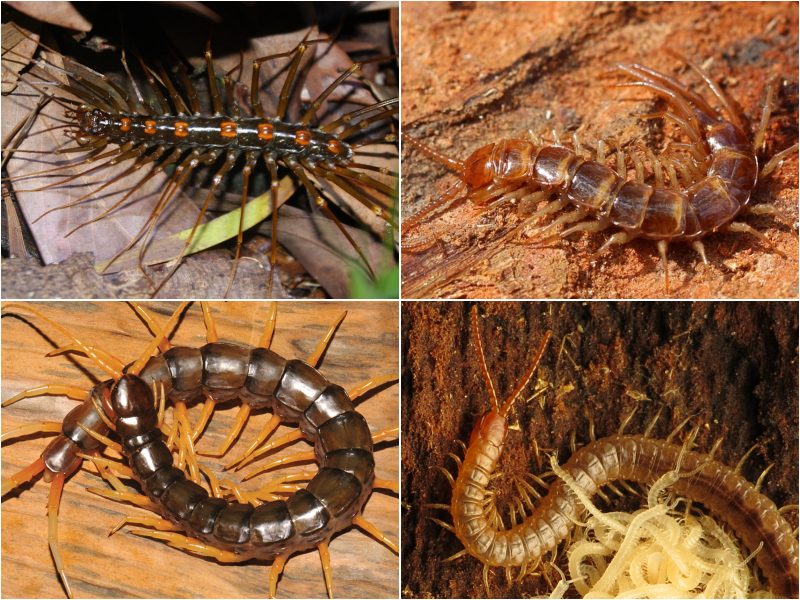
I love the sound kilometrepedes make when they walk.
https://inv.nadeko.net/watch?v=axxTrn_qb3M
I get a JavaScript error
screenshot
Could you drop a yt link for those of us that don’t use alternatives yet?
Watch code/identifier:
watch?v=axxTrn_qb3Mhttps://yt.chocolatemoo53.com/watch?v=axxTrn_qb3M
https://invidious.nerdvpn.de/watch?v=axxTrn_qb3M
Do you have a script blocker? Which browser are you using? I really hate youtube/google and I like to avoid linking to it directly. Sometimes I use youtube just to have a 1440p stream or to download the videos, in which case I block most of the scripts it tries to load, especially the analytics/ad serving ones. *and use a vpn. **and an ad blocker.
Anyway, as others have said just copy the ‘watch code’ into the youtube url (or hopefully invidious front end :3) and it should work then.
“axxTrn_qb3M” is the video identifier
So replace “https://inv.nadeko.net/” with “https://youtu.be/”
And then add the video identifier to the end
So… https://youtu.be/axxTrn_qb3M
Of course it’s not really intuitive, but that’s how it works
And why is it not “https://youtube.com/” before the video identifier? Idk, maybe someone will teach us both
Thanks for that!
And I’d also like to know why it shortens the link different ways
Well you can literally swap out the domain name, the video identifiers stay the same
I didn’t know that, thanks!!