Lee Duna ( throws_lemy@lemmy.nz ) to TechnologyEnglish · 3 years agoPolice warning parents about new iPhone featurethehill.comexternal-linkmessage-square40linkfedilinkarrow-up136
arrow-up136external-linkPolice warning parents about new iPhone featurethehill.comLee Duna ( throws_lemy@lemmy.nz ) to TechnologyEnglish · 3 years agomessage-square40linkfedilink
minus-squaresnowe ( snowe@programming.dev ) linkfedilinkarrow-up1·3 years agoThe whole point of NameDrop is to add a new contact. So by definition it literally won’t be usable for airdrop if airdrop is set to contacts only.
minus-squareMostlyBlindGamer ( MostlyBlindGamer@rblind.com ) linkfedilinkEnglisharrow-up1·3 years agoI have. I’ve accidentally initiated NameDrop between my personal and work phones, just by having them in the same pocket. Both set to Contacts Only. Imagine a scenario where kids put all their phones in a bad before class or something.
minus-squaresnowe ( snowe@programming.dev ) linkfedilinkarrow-up1·3 years agohttps://www.youtube.com/watch?v=aZL5D1k-4aI
minus-squareB0rax ( B0rax@feddit.de ) linkfedilinkarrow-up1·3 years agoYes exactly. You don’t need to change the airdrop setting to use it.


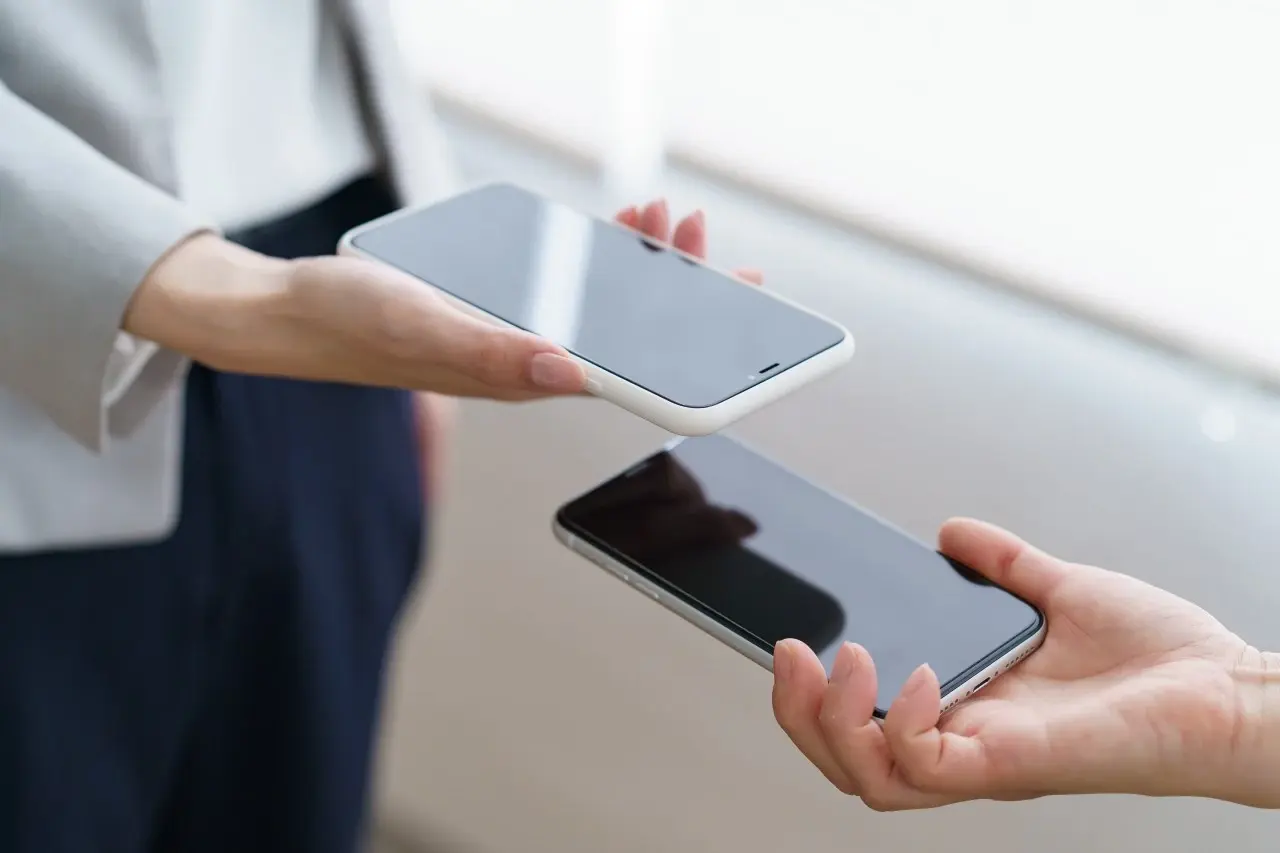
The whole point of NameDrop is to add a new contact. So by definition it literally won’t be usable for airdrop if airdrop is set to contacts only.
Have you tried it?
I have. I’ve accidentally initiated NameDrop between my personal and work phones, just by having them in the same pocket. Both set to Contacts Only.
Imagine a scenario where kids put all their phones in a bad before class or something.
https://www.youtube.com/watch?v=aZL5D1k-4aI
Yes exactly. You don’t need to change the airdrop setting to use it.