Jerboa is handling it well
Does it show it cropped in a shorter wider aspect ratio until you interact with something on the screen? That’s what Jerboa does for me
deleted by creator
Looks like this to me on jerboa 0.0.69 (nice) on android 14.
Looks good on sync. Proper zoom too.
Connect handles it alright. Just a long post
Voyager iOS - shows full image with black borders, when tappes shows full width or how ever i want to zoom
ur
That’s a dead city in Iraq.

But posting a reply to myself didn’t work great - or maybe it was me that screwed up
Jerboa working well as usual
All good on Connect too!
Connect very slightly cuts off the bottom of the image for me.
deleted by creator
Thunder displays it properly.
Sync is showing it just fine.
Kbin/Mbin doesn’t handle it well and only shows the middle bit. I need to open the original to see the full image.
Mbin (kbin.run) seems to handle it just fine in the chrome browser on desktop.
I’m on fedia.io which I think is also Mbin. When I tap the image on my phone (android firefox) the image opens in a popover but it only shows the middle part and scrolling works badly. When I tap the title/link then the image opens as a new page and it works fine.
In Memmy in iOS, it seems to “fit to screen”—meaning it shows the entire image with large black pillarboxing on either side.
Works well in Summit. When you try to just show the image it shows the full height image but you can pinch to zoom in.
And if you actually open the post with comments it’s nicely zoomed already to fit width:
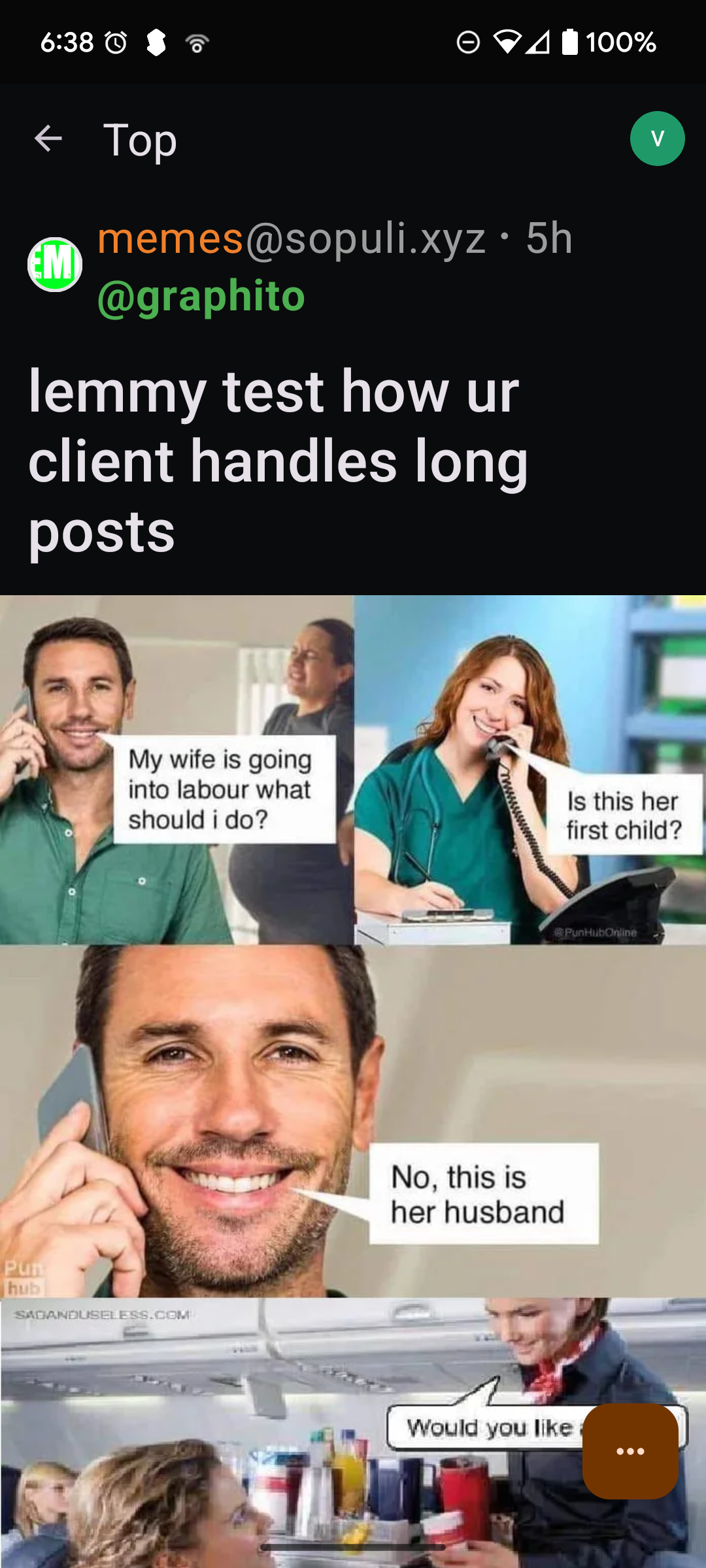
Potato Achieved!