

6·
8 days agoYou tell that to my kids 😂

Sysadmin and FOSS enthusiast. Self-hosting on Proxmox with a focus on privacy and digital sovereignty. Documenting my experiences with Linux, home labs, and the ongoing fight to keep Big Tech out of our hardware.
You tell that to my kids 😂
Thank you for taking the time, I will definitely take these points into consideration.
Always open to feedback
It’s crazy how quickly a policy debate gets compressed into online panic. Between people assuming their phones are about to become expensive bricks and others leaning entirely into the time to buy a dumb phone comments, it’s hard to separate the real threats from the noise.
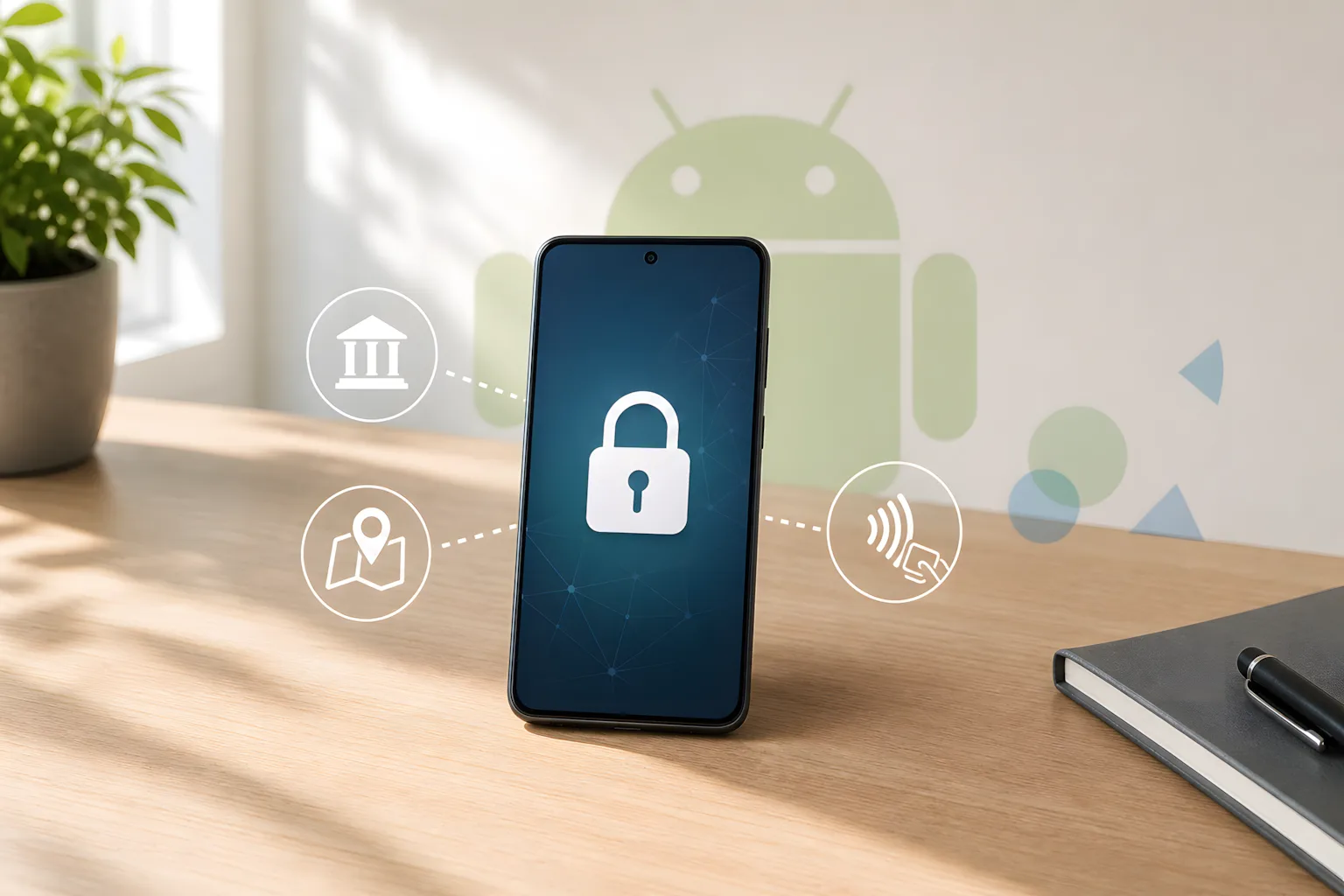
Looking past the viral posts to see what’s actually being pushed, why the panic overstates things, and why privacy advocates are still right to be uneasy about the push toward OS-level age checks
https://unknownuniverse.uk/privacy-security/smartphone-id-panic/
Original content by The Unknown Universe, written by a human and not AI generated!

I get the opposite with any Linux distribution I’ve tried on my HP laptop. Windows, fans never shut up but with Linux just pure silence!
The images? I’m a system admin, not a graphic designer lol

I’m not saying privacy and convenience are the same thing, or that the situation is somehow natural or benign.
I agree that the real issue is power, distribution control, and the way mobile software has been turned into a duopoly.
What I meant was more practical, for ordinary users, the choice often ends up being between an ideal setup and one that still lets them do necessary day-to-day things like banking and navigation.
That doesn’t make the underlying problem any less political, it just means people are forced to make compromises inside a system they didn’t choose.

It is a fair bit of homework but for those of us who use Linux on a daily basis, we’d rather do the legwork once to have a private, predictable system than deal with the out-of-the-box bloat.
Regarding updates: that’s exactly why I focused on Group Policy tweaks rather than simple registry hacks or UI toggles. Policies are designed for enterprise environments where IT managers would be furious if an update reset their security configurations, so they tend to survive major build updates much better than standard settings, it’s not foolproof but it is the best way to stay ahead!
The UK PM has just announced an under-16 social media ban.
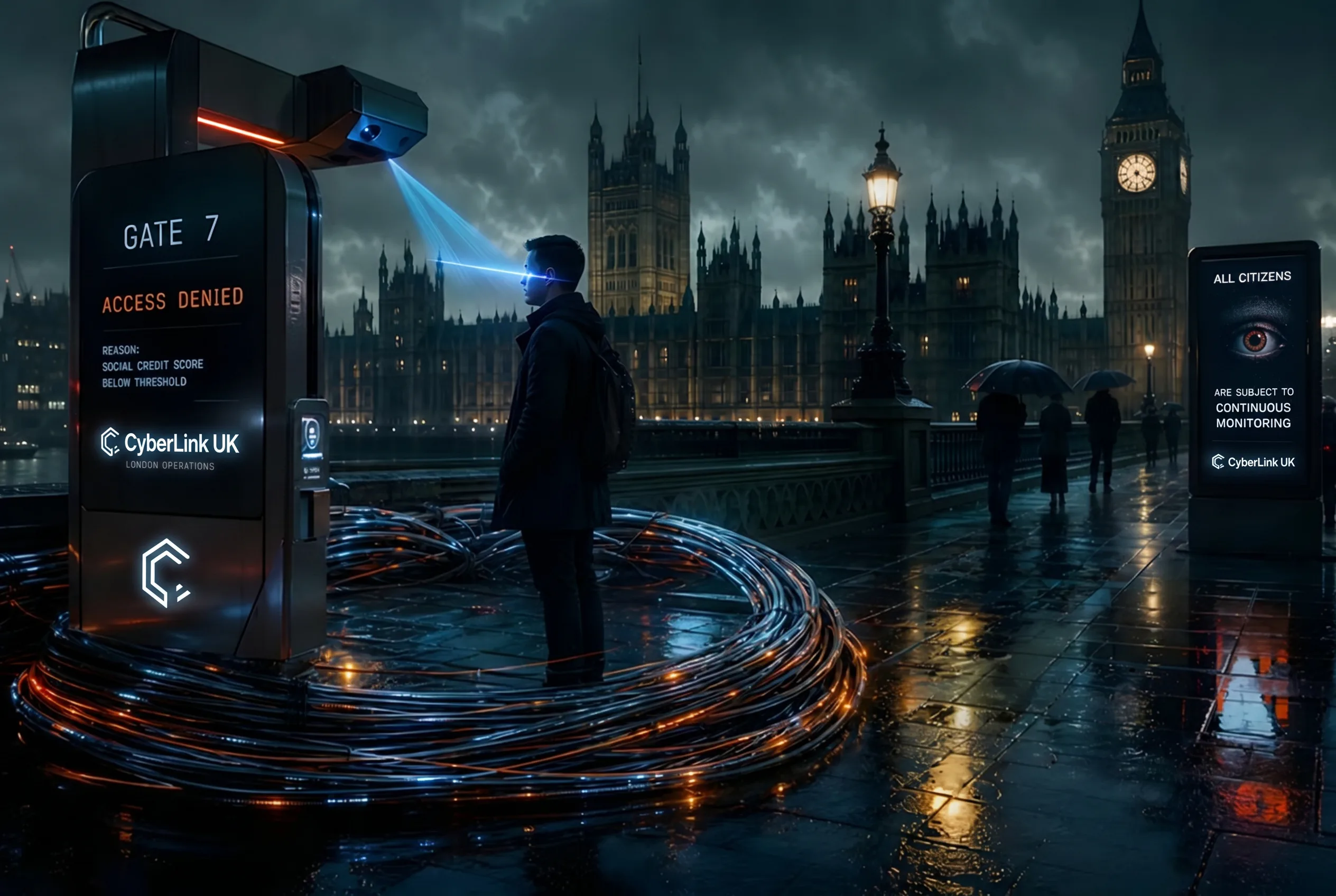
This is the ‘Trojan Horse’ in action. You cannot enforce a ban without an Age Verification layer, and you can’t have Age Verification without a National Digital ID or biometric database. They are using the ‘child safety’ card to build a mandatory surveillance gate for the entire internet.
Between the new taxes and the constant bans, it’s clear this government has zero respect for personal agency or digital sovereignty. If you aren’t already moving your data off the cloud and into your own home lab, start now. The gap between our current society and a total surveillance state just got a whole lot smaller.
Those are solid resources but I built mine specifically for the folks who don’t want to pipe a remote bash script into their shell during a malware outbreak. My goal was simple, a private way to audit the list without needing to clone a repo or install Python dependencies.
Use the forensics scripts if you’re a power user, but if you just want a quick, client-side check that doesn’t touch your filesystem, that’s what the tool is there for.
No, apt isn’t just a rename. apt upgrade largely replaces apt-get upgrade, but it’s a bit more aggressive: it may install new packages if required as dependencies (it still won’t remove packages). If an upgrade needs to remove packages to resolve dependencies, use apt full-upgrade (same as apt-get dist-upgrade).

Toss up between Star Trek First Contact and Snatch!
I don’t know if it has been audited or not to be honest but I know the source code is available on the Mega website.
I have not come across Cryptomator but that is now something I am definitely going to look into, I am always doing an audit on software I use and always looking to see what else is out there. Just because I use Mega at the moment doesn’t mean that is what I will be using in a year from now etc
Fossify messages. Not the most feature filled app, does only the basics but because I don’t use SMS as my main communication method it is more enough to receive the odd 2FA text
Since they publish their client-side source code (https://mega.io/developers), anyone can verify that the encryption actually happens locally on your device before a single byte is uploaded.
Unlike Google or Microsoft where you just have to hope they aren’t scanning your files for ads or AI training (which they are!) Mega’s transparency means if there was a backdoor in the client code, the FOSS community would have flagged it years ago, it gives independent researchers a chance to check the behaviour. As an offsite backup is crucial, for me Mega is one of the better providers, not saying they are perfect but good enough for now.
The two I use are Nextcloud and Mega. Nextcloud is my primary location and I have a script that runs daily to replicate the Nextcloud with Mega. I chose Mega because it has end to end encryption and Mega cannot see your data. They also cannot recover your account if you forget your password. They have had issues/controversy in the past but these days they are, in my eyes a solid choice. I also make use of their S3 bucket so that my Proxmox Backup Server can save offsite so technically Nextcloud is included in that as well!
I self host so the data in the cloud is stored on my own equipment, yes it is still technically online but it saves a copy locally so you only need an active connection to sync new items.
I regularly use multiple devices and having that sync is vital. Even at work, I cannot install software but I can install browser extensions. This means I can use my instance for both personal and work. I have also set up most of my family with access, all for free!
Which phone and message app are you using? I also don’t see a way to view photos or files and which camera app?
Obviously GrapheneOS is the best way to go for privacy but if you do stick to OEM Android then make sure you’re using apps like the Fossify suite. I use their apps with all contacts and calendar synced via davx and self hosted on Nextcloud.
What about KeePass, where is that data backed up?
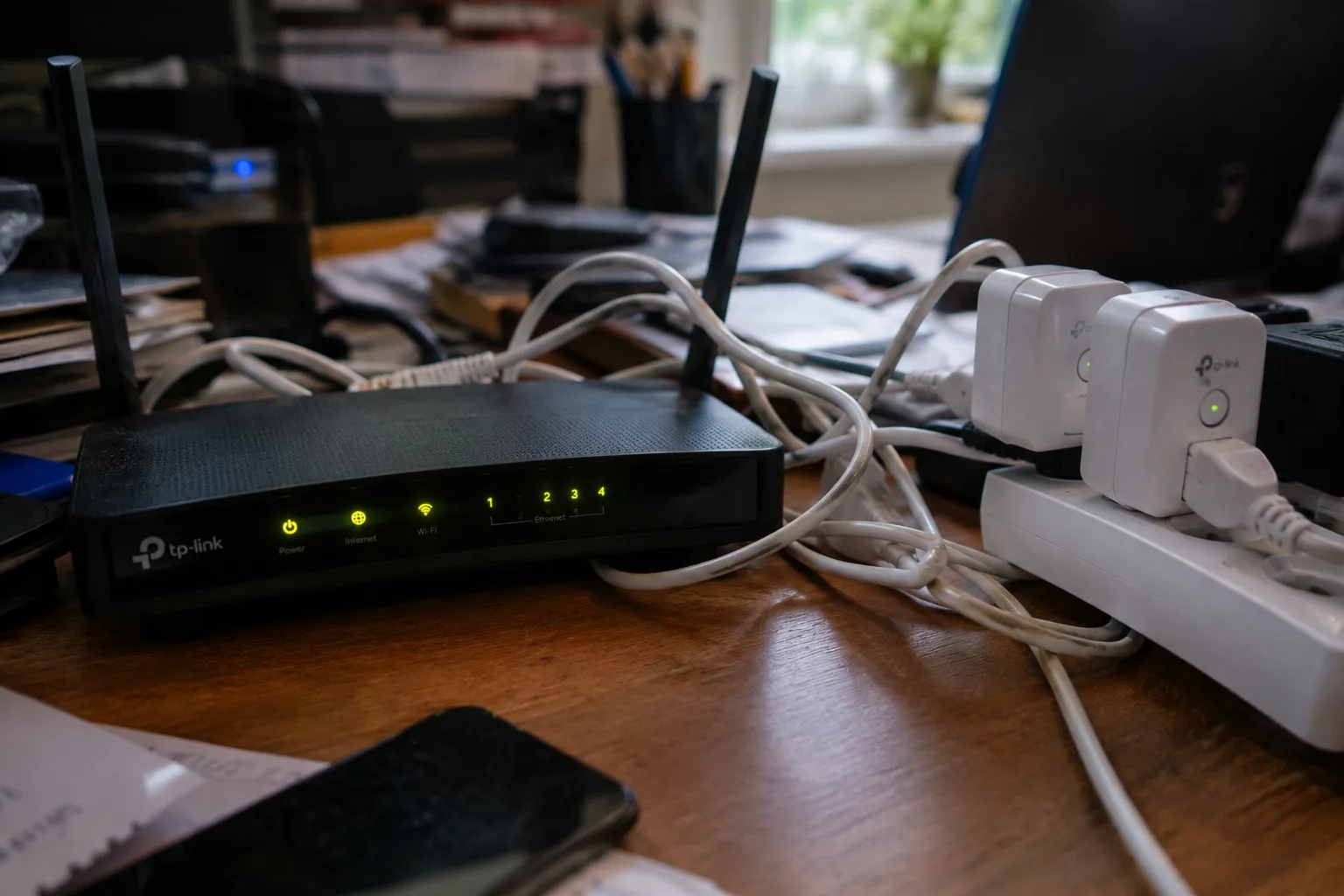

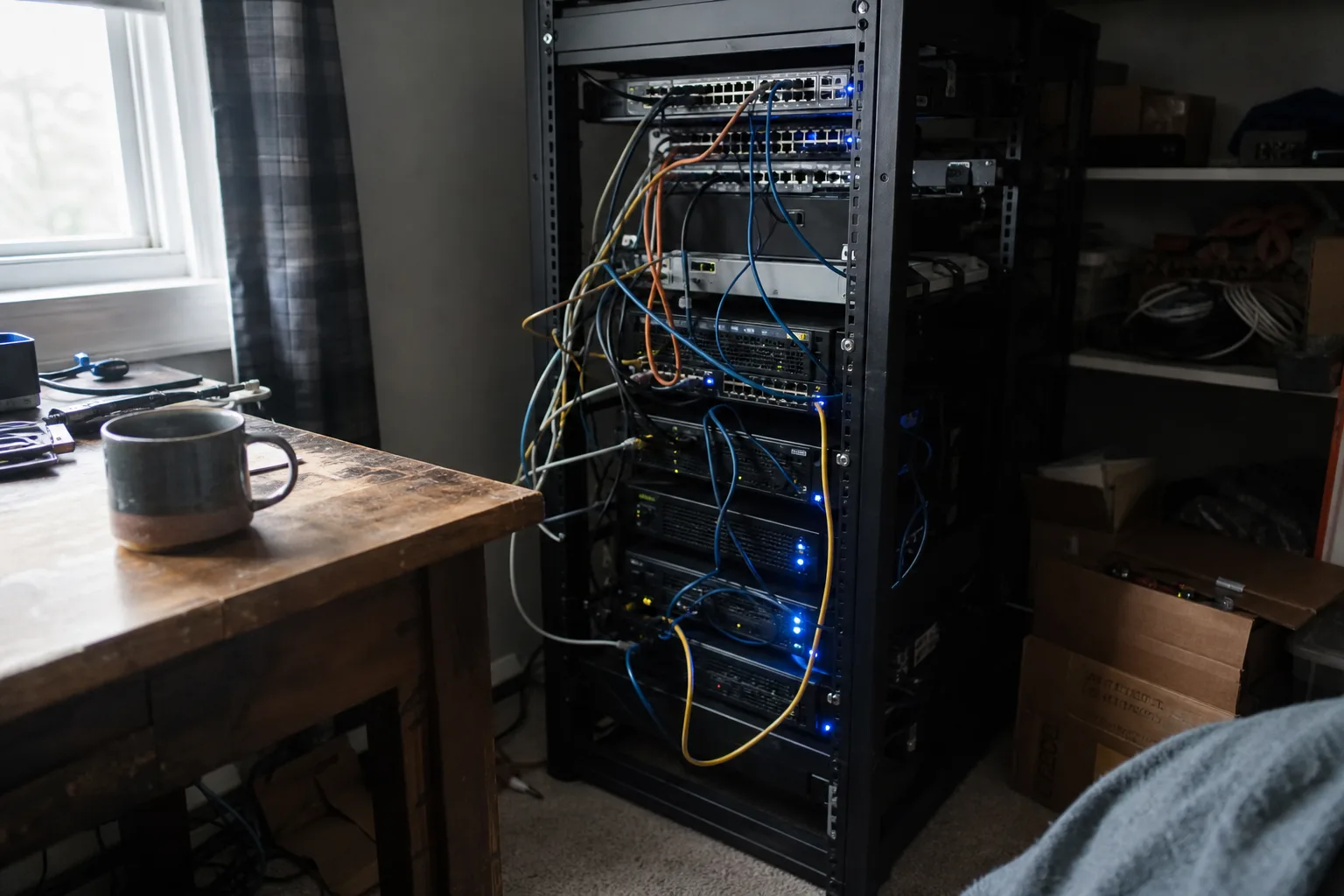



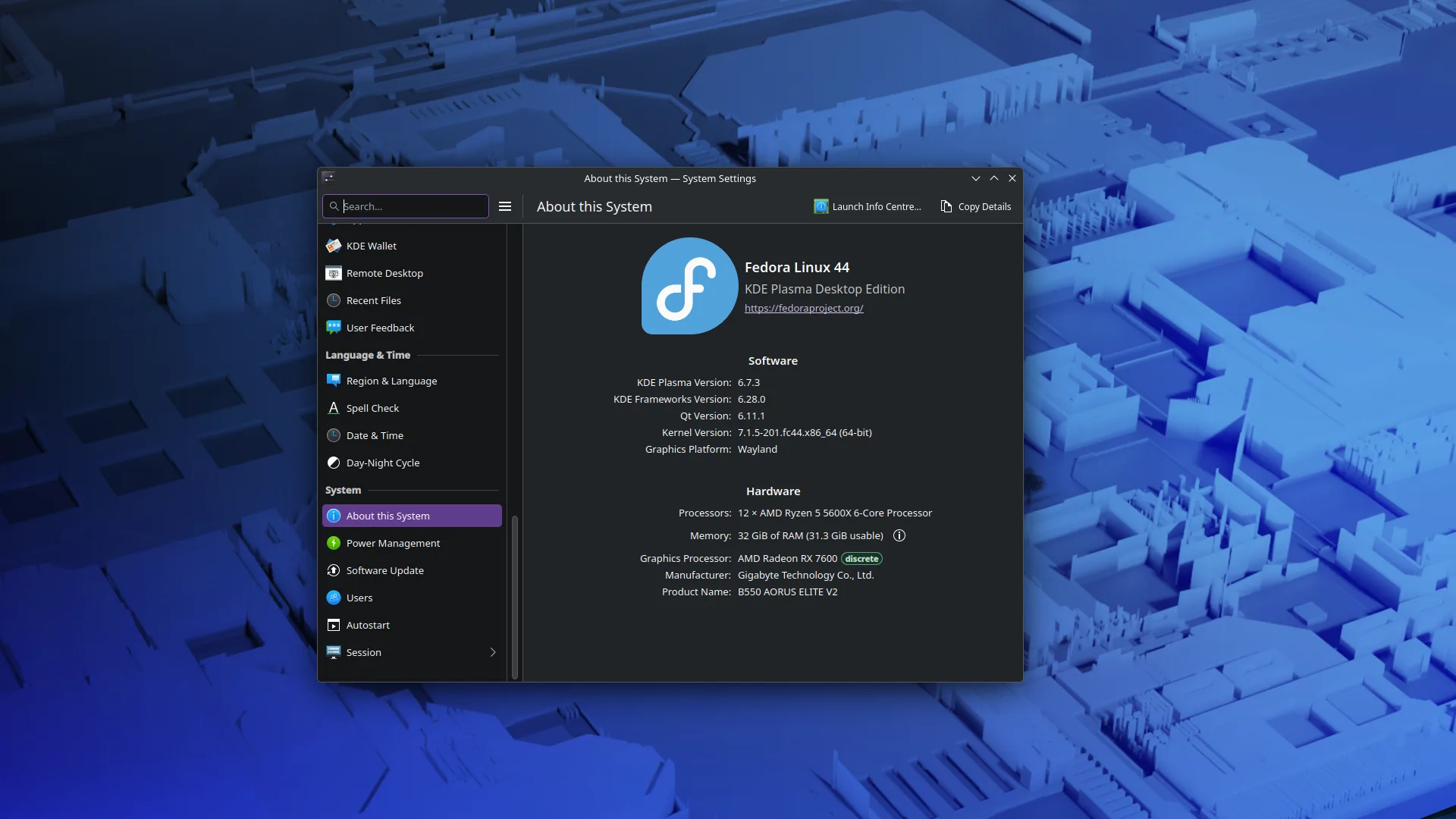





I too, many years ago now started my smart home journey with cheap Tuya devices and didn’t know any better. The more I used Home Assistant the further I got down the rabbit hole and learnt about privacy. Now I am a privacy advocate and have a dedicated blog 🤓