Brute force protection
It’s not quite complete without code on the password reset page to tell you that you can’t reuse your password.
I’ve had that before and I’m very confident the password was correct - my theory is that they’d changed how non-ASCII characters like £ were handled and their code only half recognised my password.
I never got that rule. Surely it is less secure to keep records of historical passwords than to let someone rotate between !!! And #### etc
Hopefully they’re not sitting the old passwords in plain text and just have the hashes.
This could actually work though lol, it’s genius
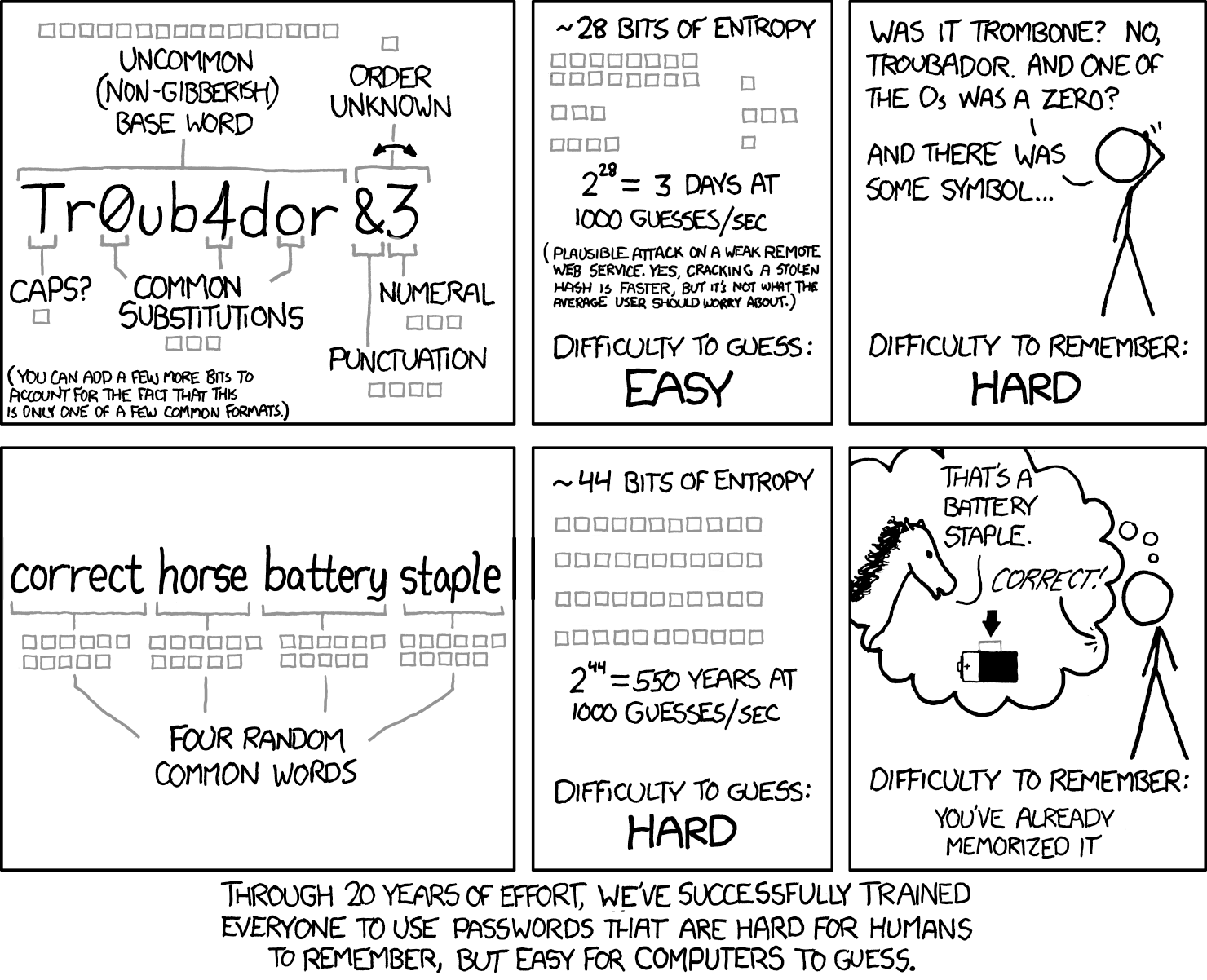
Rainbow tables and presumably newer stuff I haven’t heard of make this sort of thing weaker than it used to be
Salting makes rainbow tables pretty much useless, and salting has been a standard practise for a few decades now.
Dictionary attacks have been around for a long time, but It’s still quite strong especially if you throw in a number.
A fully random 8 character password has about 10^14 brute force combinations (assuming upper and lower case + the normal special characters). 4 words choosen at random from the top 3000 words (which is a very small vocabulary really) is 10^13 dictionary attack combinations, add a single number or account for variations in word style (I.e maybe don’t always use camel case) and you’ve matched the difficulty. If you use 5 words it’s 10^17 combinations.
A password manager and a hard password is a better idea but there are cases where you can’t use a password manager (like the password to said manager).
I’m a basic little shit so, I basically use a correct horse + number password for my PW manager
Yeah I thought about adding a note that it’s pretty outdated - and dictionary based scans were always possible even if less common in the old days - like those infamous passwords “God”, “Love”, “secret”, or like “admin”.
The artist is pretty smart most of the time though so I presume they were aware of that possibility and meant that on a more basic level there are multiple ways to make passwords easier for a user to remember, not necessarily just this one rather simplistic take but as part of a whole approach. Then again, they didn’t say that, and instead said this, thus the controversy.
Personally I gave up entirely and now I don’t even know what any of my own passwords are, though my password manager does:-). I guess… if you cannot beat them, join them!?:-P
It’s not outdated at all, but you need more words.
See diceware, 7 to 8 words is typically all you need
My current favorite “memorizable” method (obviously a random hash from a PW manager is still better) is to take a sentence of moderate complexity that includes the name of the service you’re signing up for in it, and use the first letter of each word as your password.
For example, “When I wake up in the morning, the first thing I do is go to pawb.social.”
Password would be “WIwuitm,tftIdigtps.”
Easy to remember, immune to dictionary attacks, and you get a (mostly) unique password for each service, so stolen passwords can only access that one thing.
Edit: To be clear, the value is that you can use the same sentence everywhere, switching out the name of the service to generate semi-unique passwords for each service. Obviously someone analyzing your passwords would be able to figure out the pattern, but that’s basically never what actually happens; it’s more likely someone gets 1 password and tries your email address + that PW in a variety of services, which this is strong against.
I dunno, all I do is hit copy, then go to the website and hit paste, and that’s pretty easy as well:-P.
I do need to step up my game for work though, b/c it keeps asking me a password multiple times a day so if I could rattle one off that would be better than having to open up my password manager and get it.
Find a good password here 😏
This is negging for auth.
That’s actually pretty smart
@kandoh
Yes haha. This way we can get back to the times where 4 characters passwords were sufficient 😃
deleted by creator
no, since it first checks if the password is correct. if it is, display error message. if it is corrent and the second time, accept the password (code not in screenshot) but if the password is wrong, it doesnt check if it is the first attempt.
How does that stop a brute force attack? As written, it only stops the single luckiest brute force attack that happens to get the password right on their first try.
You can’t really prevent a brute force attack. Even if you prevent it from one IP or so, you can still do “distributed” brute force attacks.
Also only allowing one password per 5 seconds or so per IP will not work if you have lots of users and they are at work and have the same IP.
It wouldn’t stop most brute force attacks, which are not performed on the live web service, but rather on a password hasb list that was stolen via some other means.
No, it’s correct - say your password gets leaked across thousands of passwords. A hacker will try to crack all of them with a program that guesses them once, which as the image suggests defeats these types of programs
You’re right, and nothing wrong with being pedantic when working with code :)
@cobra89
Yeah I agree.
Fine I’ll just change my password to what I thought it should be.
*New password cannot match old password
Add a randomizer with 50/50 succeeding for this error