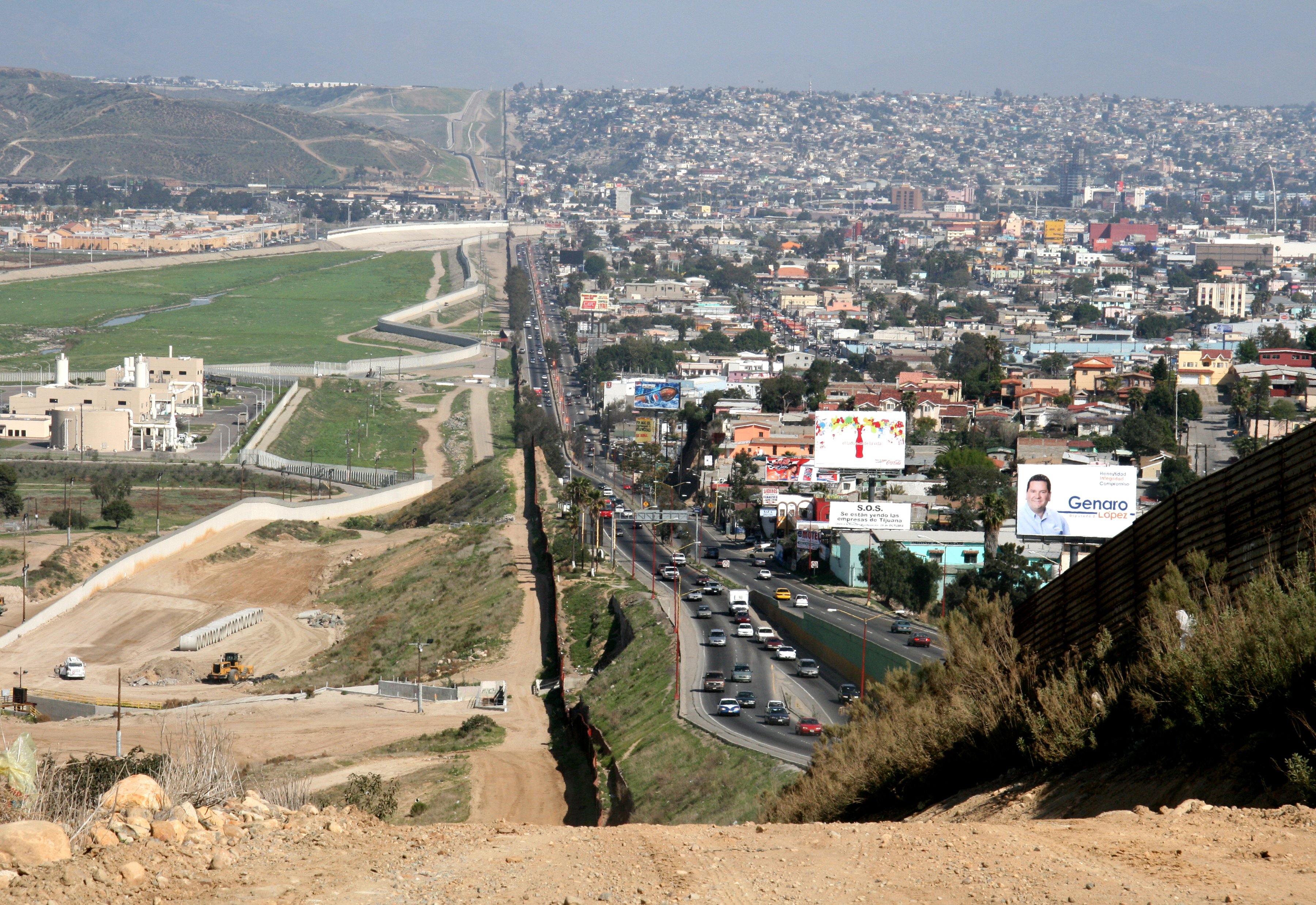
An Appeals Court panel has ruled that federal agents can legally search through travelers’ cell phones without reasonable suspicion, probable cause, or a warrant when they cross an international border.
As if there weren’t enough reasons already to avoid visiting this shithole country.
In the case of US citizens there is no need, there they know already the content of the phones
Restore to default settings before crossing international borders.
Which laws are we supposed to obey nowadays? It’s all very confusing.
Tbh I’m shocked it wasn’t already. Like I thought the border has been a “no rights zone” for as long as I’ve been alive.
it seems like this a re-affirmation of it – guaranteeing that it’ll stay in the books for the rest of our lives
It doesn’t have to stick around any longer than Congress allows it to. Congress needs to grow some balls, pass some laws and put the courts in there place. Those dickhead justices aren’t elected and the congress is.
congress is in a permanent stalemate so long as we keep re-affirming our political dupoloy – the supreme court will be our daddy from now on unless we can distract ourselves long enough from our phones to take note of how the mexicans got rid of their political duopoly in 2017.
and – ironically enough – they were able to do their thing because of the phones. lol
Yah I thought SCOTUS ok’d that within 100 miles of a boarder.
…
Seems not! Just lots of circut courts have affirmed the general idea. This is the first at an appellate court.
I believe it also includes international airports in the orange area?
I don’t know, the map doesn’t display that.
You also have to provide all your social media handles when applying for a visa. Even a tourist visa so they can check if you ever posted anything negative about the US or it’s leader.
Is it a requirement to be on social media, to enter the us?
My personal life is pretty damn boring, but regardless, every time I fly (even domestic) I wipe my phone beforehand and only keep emergency contacts.
With protesting and dissent nearing illegality, It’s no longer safe to have password managers, browser history or social media on your phone. (at borders for now)
I see a lot of people saying just shut it off. They will turn it on, tell you to unlock it, you refuse, they’ll detain you, try tools to bypass, confiscate it (you need to make sure you get a receipt) and they’ll let you out without it at some point. Even citizens can get detained for periods greater than 24 hours.
If you express any public dissent toward the administration, you should consider traveling with a dumb phone or a burner, not connected to your email/social online services/password systems.
With protesting and dissent nearing illegality, It’s no longer safe to have password managers, browser history or social media on your phone. (at borders for now)
I had not considered the risk of having a password manager on my phone and being cohered to unlock it. There’s nothing dissentious there to find so I’m not concerned about that (don’t infer from that that I think it’s acceptable that they can look, I do not). But what’s to stop them from stealing financial login info while they’re at it? That’s the worry that just triggered.
If you express any public dissent toward the administration, you should consider traveling with a dumb phone or a burner, not connected to your email/social online services/password systems.
Traveling with a dumb phone isn’t always viable. A recent example I can think of is I had to scan a QR code and fill out a customs form on a website. There was not a paper based alternative. But a burner works.
Yeah, that and actually taking decent pictures. If you just need a function, you can get non-flagship Android burners really cheap, or just keep a previous phone, wipe it, and travel with an eSIM.
My primary concern isn’t so much what i’m saying now, but what they think about it later if we keep heading toward darker times.
Yeah, that and actually taking decent pictures.
Cheap phone + nice camera is another option. But with the downside of more to pack and carry around.
My primary concern isn’t so much what i’m saying now, but what they think about it later if we keep heading toward darker times.
… yeah that feels entirely possible. Valid concern.
In the early 00’s there were a few nice cameras with a 3x zoom that would fit in an altoids tin.
I think most of the current crop of micro cameras are toys :(
Just create a fake profile with pictures of diseased cocks.
Border security very likely uses israeli tech to download your whole drive. Even if they don’t I assume they would at least hold you for questioning if you did make such a profile
Cellebrite. They don’t even need to look through the phone if you unlock it for them they’ll enable whatever settings they have to to download the whole thing. From there they build out associations based on your contacts, apps, social media, etc. Essentially they do what palantir does but a lot more direct, and skips the whole data brokers part.
No add trackers 🤣
So anywhere within 100 miles of a border or international airport.
That’s basically anywhere in the us
Just budget for a cheap ass phone for when you cross the border and don’t take your actual device with you. Or if you do take it with you when you cross, make sure that it is off during the entire transit.
make sure that it is off during the entire transit
I’ve never had them insist that I can recall, but I do remember reading, I believe in the TSA docs, that any devices are supposed to be powered on and able to be demonstrated to be working or something to that effect … I guess to make sure it’s not just a phone-shaped bomb or whatever.
Even if they have you powered on, the fact that it’s in the before-first unlock state means that the file-based encryption still holds and it cannot be unlocked with biometrics.
They just ask you tonpiwer it on. Did it for a laptop once.
They can boot it to the password prompt and shut it down again.
Only time I’ve ever had an “electronic” device checked like that was at an airport in Europe about 15 years ago (if memory serves me right, I think it was CDG in France). I had a DSLR with a couple extra lenses and they asked me to turn on the camera and take a picture with each lense attached. They also asked to view through the viewfinder with each.
I held on to my old phone when I last upgraded just for this reason. If I ever need to travel internationally in the next few years, that’s the one that’s coming with me. And as much as I’d like to bring my steam deck for travel entertainment, that’s staying home too.
Leave your phone at home, back up all the important data you need into a server. Keep all important information and documents you need for the trip printed on a paper.
Go through border without a phone, buy new phone and SIM abroad to avoid roaming. Access/download your important info through the internet using the hotel’s wifi.
After the trip you can bring the phone home and it will only contain some holiday photos.
Don’t buy the phone anywhere near an embassy or airport. Pay cash. Don’t give your name or ID. Reinstall the OS immediately after taking it out of the box. Setup FDE with a strong passphrase. Don’t use biometrics.
How hard is it to eject the SD card?
That’s a hassle. They won’t find anything they’d be interested in while searching through my phone. Because I am a fairly boring man (and I’m cool with that). But I don’t agree that they should have the right to do so in the first place, and I do travel fairly frequently so this is a concern.
I guess I can get a burner and create a separate password database that just has stuff I know I’ll need to use while traveling (like airlines and rideshares). And memorize ones that I don’t want them having access to, like my email account (makes password resets a risk) and bank accounts.
At least I’ll know which of my three phones to keep in pocket (I’ve got a Pixel 9a running GrapheneOS, iPhone 13 and Microsoft Lumia 435 Dual SIM).
I thought I was being original picking Nyan Cat as my profile picture for this platform.
Oh well, we’re siblings now I guess. :D